MS Word
08033146625, 08092566265 Email: training@ictacademy.com.ng Log in Register IT Jobs Tutorials Gallery Resources About Us Corporate Training
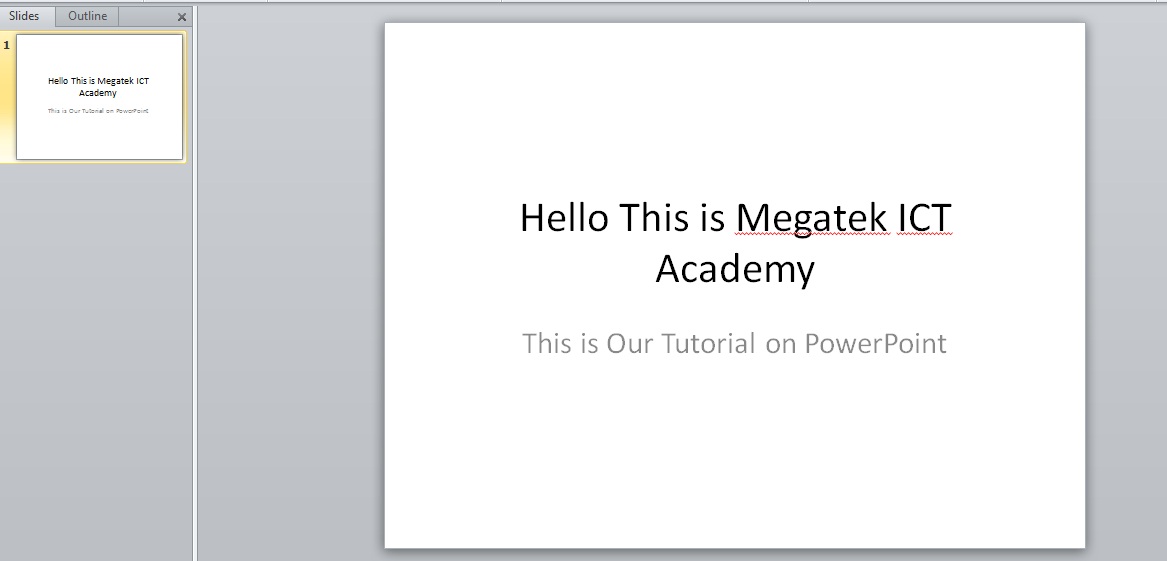
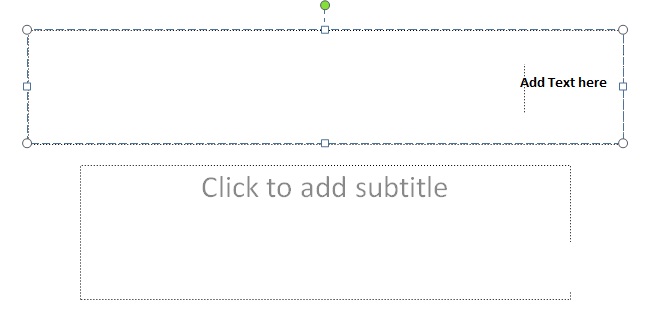
When you open PowerPoint window by default a slide appears. The slide has two placeholders or text boxes. Additional text boxes can be added from the Insert tab. To start creating presentation click on the placeholder or text box a blinking cursor will appear. Then type the title and click outside the box. The text box will disappear.
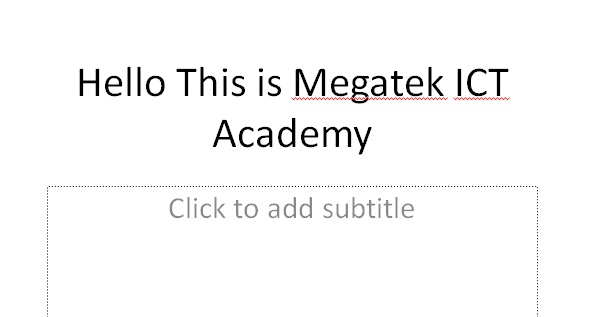
Click outside the placeholder once you have typed text in it and see how your slide(s) look like.