Transition Sound in MS PowerPoint
As your slide advance to each other you can add sound to the Transition effect you chose
- Select the slide to which you want to add the transition sound. Click on the Animation tab and select sound under Timing tab.
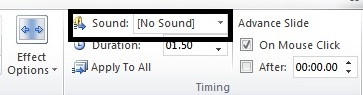
- Click the drop-down arrow next to Transition Sound option. A list of different transition sounds appears. Select the desired transition sound
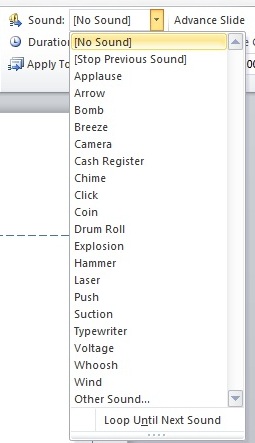
You can either select Apply to all to apply the selected sound to all the slide or you can pick different sound to accompany different transitions on different slide.
MORE TUTORIALS ON LATEST TECHNLOGIES


