MS Word
08033146625, 08092566265 Email: training@ictacademy.com.ng Log in Register IT Jobs Tutorials Gallery Resources About Us Corporate Training
Animations are visual effects which make your texts, images, shapes, or charts come ‘alive.’ They catch your audience’s attention and helps them engage with you and your presentation.
Moreover, there are generally two types of animations you can use to make your presentation come alive. These are:

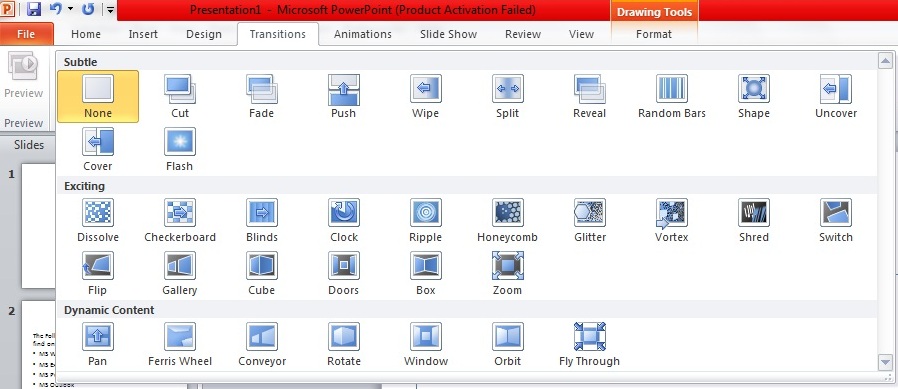
Transition animations have additional effect options. You will notice this when you click on the transition you want to use. The Effect Options button won’t be grayed out, and you can select additional settings.
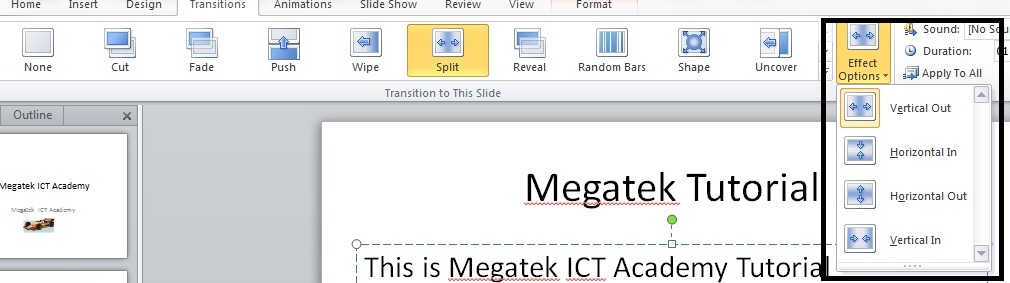
For example, I selected Split as my transition animation. Available effect options would be: