MS PowerPoint Slides, Placeholder and Notes
MS PowerPoint are basically done on slides and placeholder.
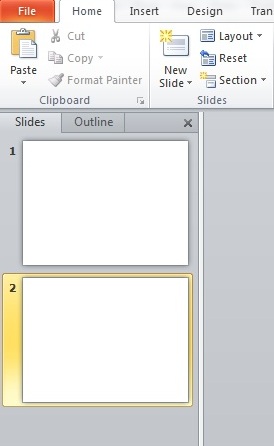
- Slides: contain the information you want to communicate with your audience. This information can include text, pictures, charts, video, and sound.
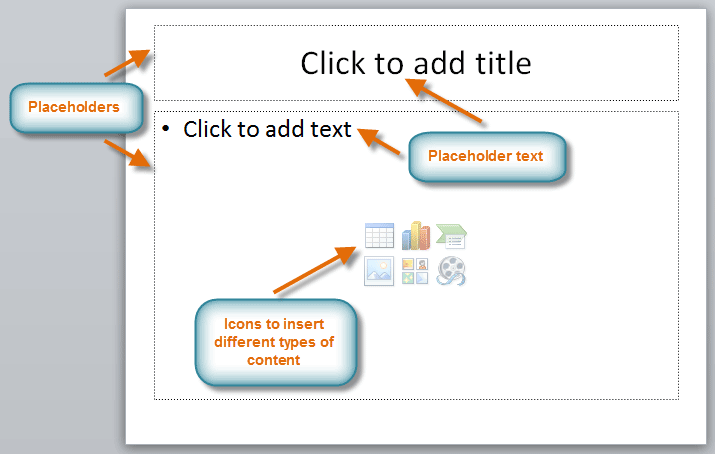
- Placeholder: are areas on the slide that are enclosed by dotted borders. Placeholders can contain many different items, including text, pictures, and charts. Some placeholders have placeholder text, or text you can replace. They also have thumbnail-sized icons that represent specific commands such as Insert Picture, Insert Chart, and Insert ClipArt. In PowerPoint, hover over each icon to see the type of content you can insert in a placeholder.
- Click to add Notes: It is an area that is used to add Notes or words to remember.

MORE TUTORIALS ON LATEST TECHNLOGIES


