
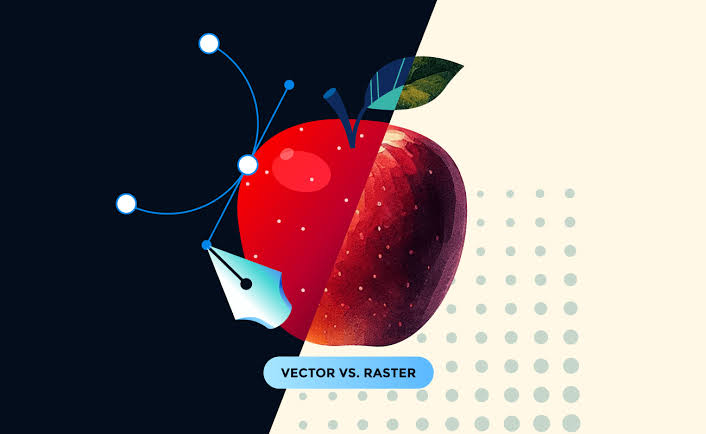
All designers need to master vector and raster graphic principles since this knowledge determines the correct selection of graphic formats. The selection of proper file formats depends on foundation elements that protect quality while enabling ready-to-print web deployment.
What Are Vector Graphics?
A vector graphic works through mathematical paths that create its structure. Such images maintain their quality by expanding infinitely through any scaling process. Because these file types maintain high quality during scaling they are well-suited for logo designs as well as icons and illustrations.
What Are Raster Graphics?
Raster graphics are pixel-based. The set number of pixels used in these files causes them to become less clear when they need enlargement. JPEG PNG and GIF file formats serve as primary raster image files which individuals use mostly for photography and web-based visuals.
When to Use Each:
You should employ vector files for your logos as well as icons together with illustrations.
The best choice for detailed photos and high-resolution images is raster file type.
Key Differences:
Vector graphics maintain their quality across all resizing levels since they have a resolution-agnostic format.
The presence of pixel information leads raster files to become heavier in size.
The editing process of vector files provides superior flexibility compared to other forms.
Every graphics student at Megatek ICT Academy completes studies in raster and vector tools which consist of Adobe Illustrator vector software and Photoshop raster editing software. The distinction between these graphic types helps your work become better while saving time during the production process.