by Peter Obikpe | Apr 1, 2026 | Microsoft Powerpoint Articles
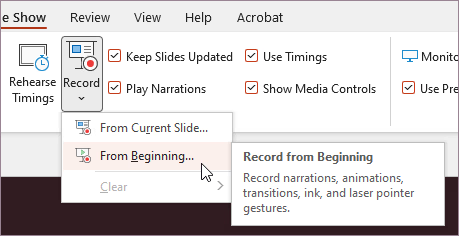
PowerPoint is not only for live presentations. You can also record your voice, webcam, and screen while presenting. This is useful if you want to create: Online lessons Recorded class presentations Training videos Project explanations Instead of presenting live every...
by Peter Obikpe | Apr 1, 2026 | Microsoft Powerpoint Articles
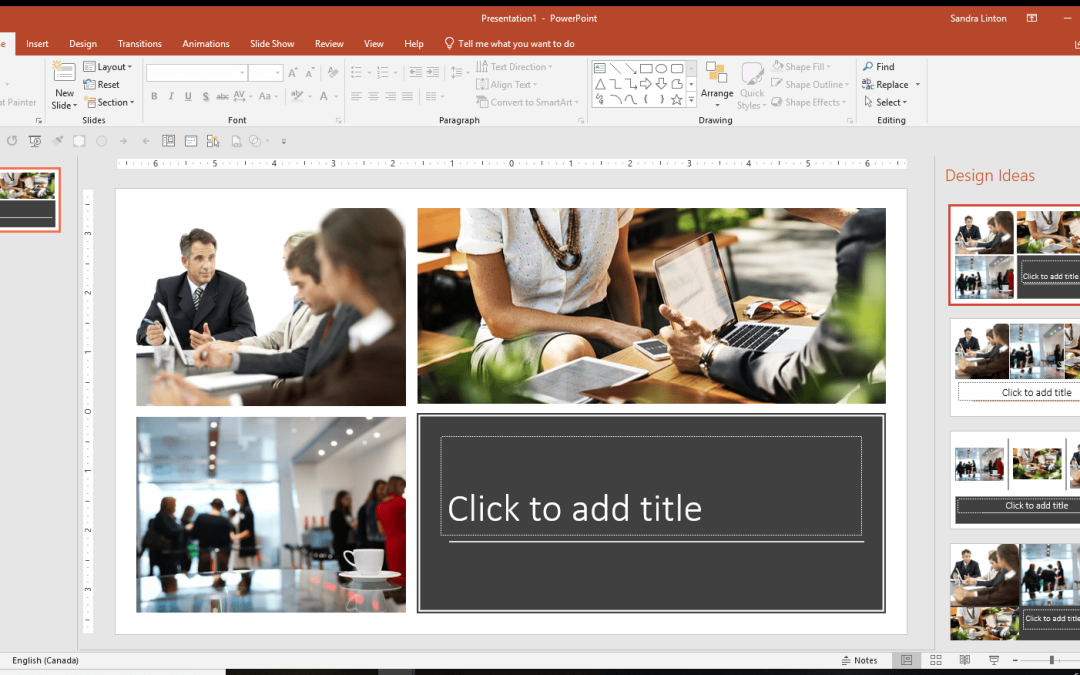
Many users struggle to make their slides look attractive. They spend too much time moving images, resizing text, and adjusting spacing. PowerPoint Designer can help. Designer automatically suggests slide layouts based on the content you add. What is PowerPoint...
by Peter Obikpe | Apr 1, 2026 | Microsoft Powerpoint Articles
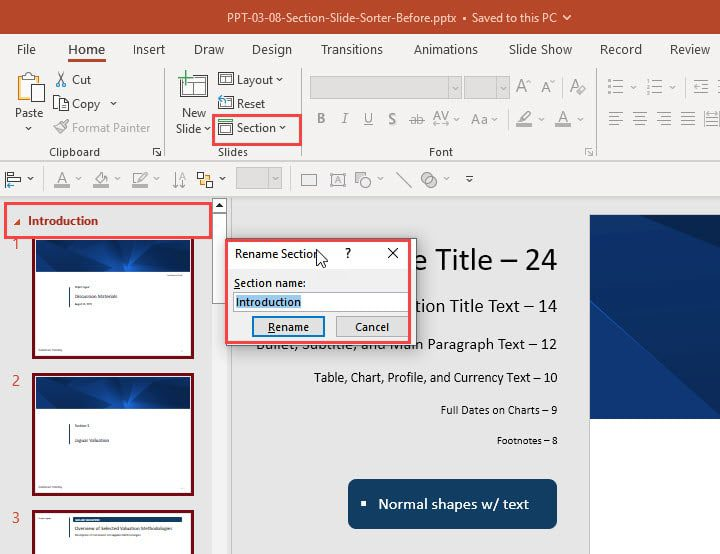
Many people create presentations with dozens of slides in one long list. As the presentation grows, it becomes difficult to manage. Sections solve this problem. Sections allow you to divide your presentation into organized groups, similar to chapters in a book. What...
by Peter Obikpe | Apr 1, 2026 | Microsoft Powerpoint Articles
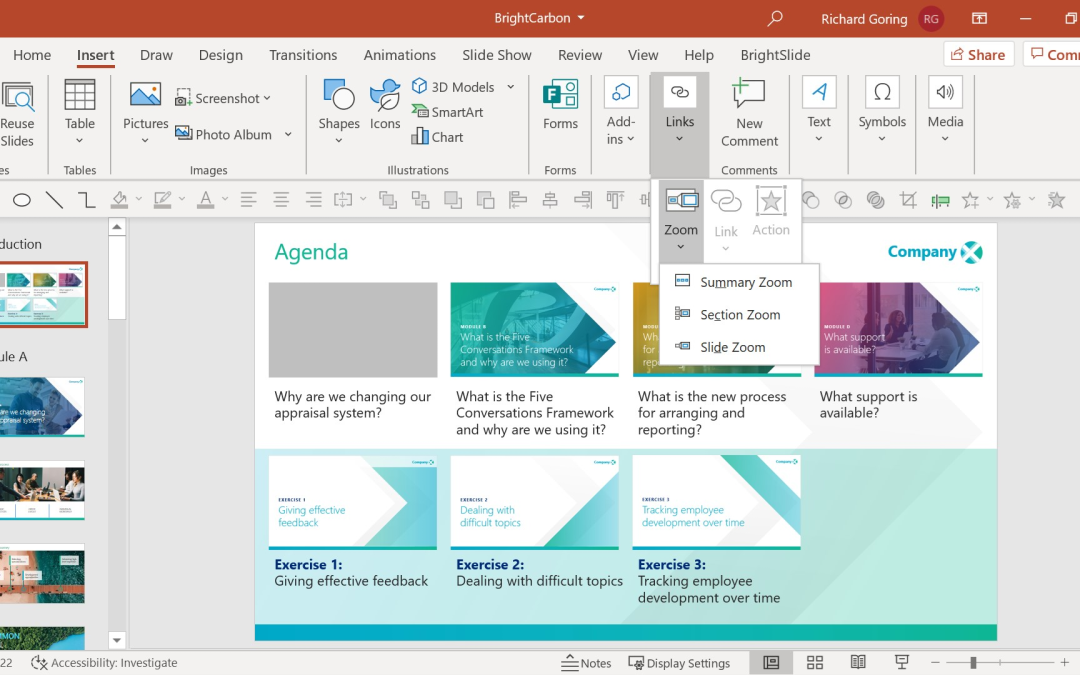
Many presentations force the audience to move through slides in a fixed order. This can be frustrating when you want to jump between topics quickly. PowerPoint Zoom solves this problem. Zoom allows you to create interactive navigation where users can click on sections...
by Peter Obikpe | Apr 1, 2026 | Microsoft Powerpoint Articles
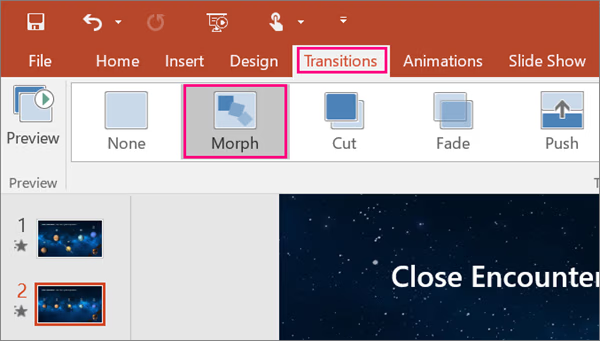
Most PowerPoint presentations use simple transitions like Fade or Wipe. While these work, they often make slides feel basic and repetitive. The Morph transition is different. Morph allows objects to move smoothly from one slide to another, creating the effect of...
by Oluwaseun | Aug 27, 2019 | Articles and Short Tutorials, Microsoft Powerpoint Articles
ust like images and pictures, PowerPoint also supports editing of shapes inserted in the presentation. The shape editing features in PowerPoint can be accessed from the Format ribbon once the shape is selected. The editing features are grouped under the Insert Shapes...
