
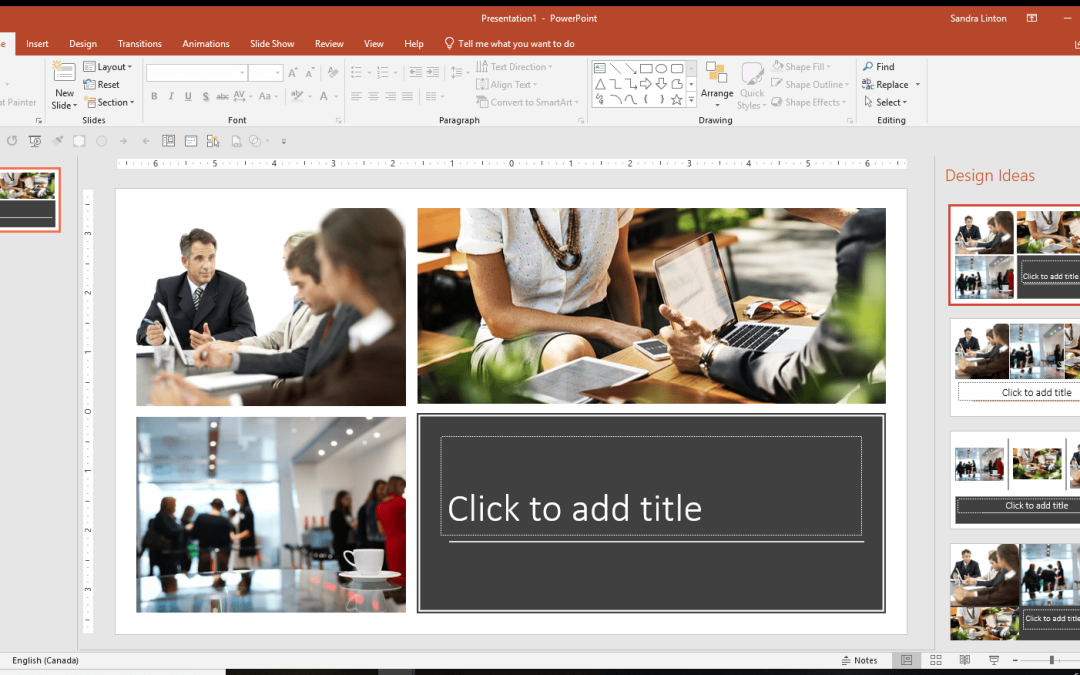
Many users struggle to make their slides look attractive. They spend too much time moving images, resizing text, and adjusting spacing.
PowerPoint Designer can help.
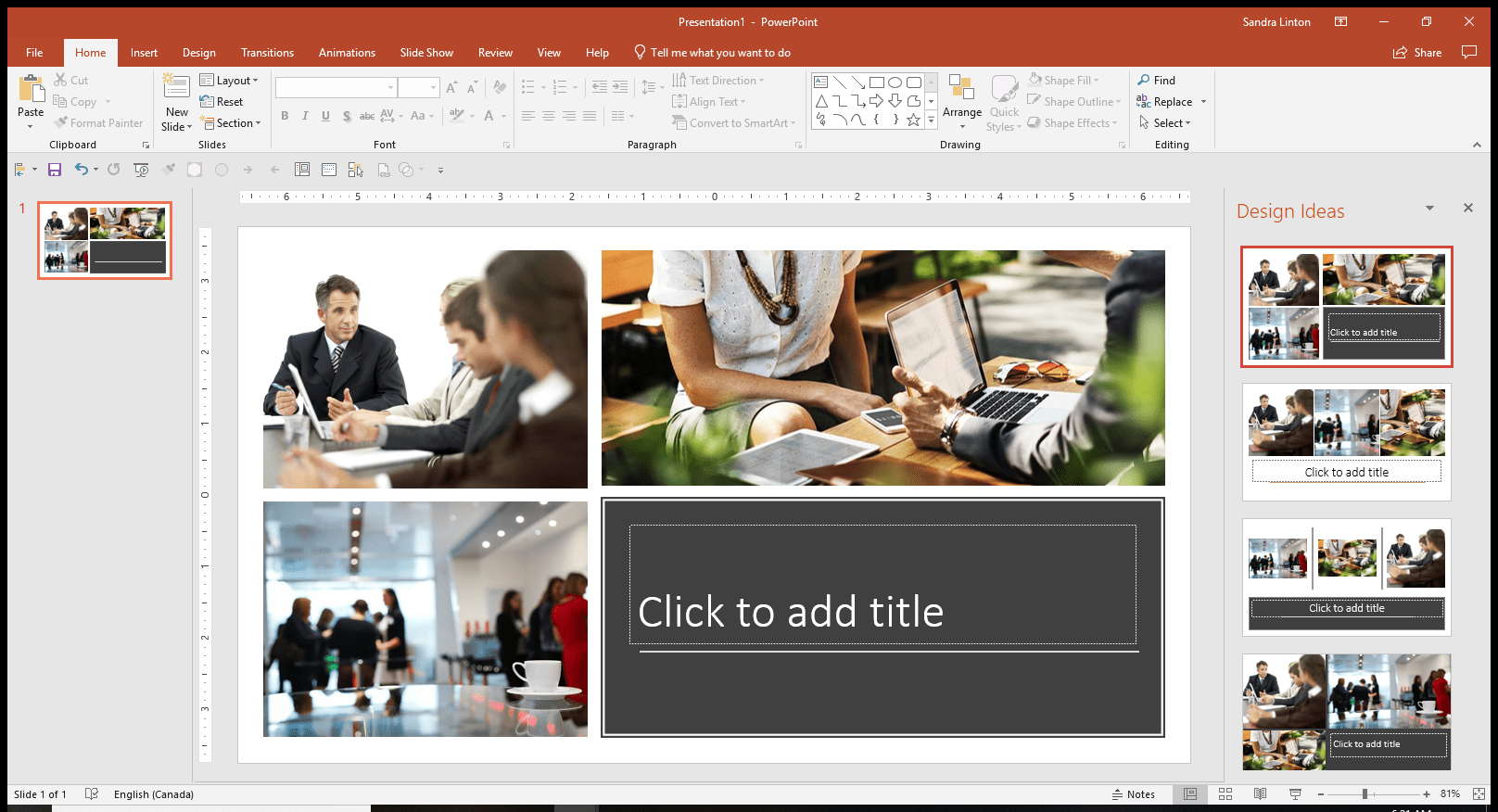
Designer automatically suggests slide layouts based on the content you add.
What is PowerPoint Designer?
Designer is a built-in feature that analyzes your slide and suggests professional designs.
For example, if you insert:
- Several images
- A title and subtitle
- A list of bullet points
PowerPoint Designer generates different layout options automatically.
Why Designer Is Useful
Designer helps because it:
- Saves time
- Makes slides look more professional
- Improves spacing and alignment
- Gives ideas for layouts
It is especially helpful if you are not confident in graphic design.
Best Uses for Designer
Designer works best for:
- Image-heavy slides
- Title slides
- Comparison slides
- Process diagrams
However, it works less effectively when a slide contains too much text.
The best results come from keeping slides simple.