
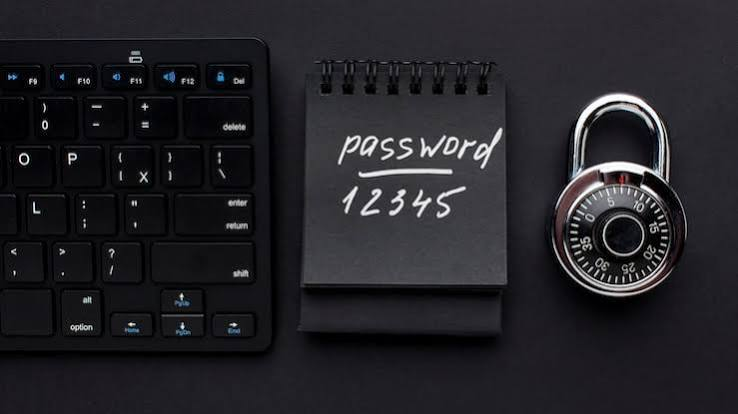
Passwords are the keys to our digital lives: email, banking, social media, work systems and cloud storage. Yet “123456,” “password” and people’s own names remain among the most used passwords every year. Attackers know this, and their tools are built to exploit it.
How passwords get broken
- Brute force: software tries every possible combination. Short passwords fall in seconds.
- Dictionary attacks: software tries common words, names and predictable variations like “Password1!”.
- Credential stuffing: attackers take email and password pairs leaked from one breached site and try them on many others. If you reuse passwords, one breach becomes many.
- Phishing and malware: you’re tricked into giving the password away, or software records your keystrokes.
What makes a password strong
Length matters more than complexity. A password of 14 or more characters is dramatically harder to crack than a short one full of symbols. The best approach is a passphrase made of four or more random, unrelated words, such as “lantern-orbit-biscuit-harbor.” It is easy for you to remember and extremely hard for a machine to guess.
Avoid personal information such as birthdays, pet names, phone numbers and favorite teams. Attackers check social media for exactly these details.
The golden rule: never reuse
Every account needs its own unique password. If your email password is also your shopping password, a breach at the shop hands attackers the key to your email, and email can reset every other account you own.
Use a password manager
Nobody can remember dozens of unique, long passwords. A password manager stores them in an encrypted vault, generates strong passwords for you and fills them in automatically. You memorize one strong master passphrase and the manager does the rest. Reputable options exist for free and paid tiers, on phones and computers.
Add a second layer
A strong password is the first line of defense, not the only one. Enable two-factor authentication wherever possible so that a stolen password alone is not enough.
Check whether you’ve been exposed
Services such as Have I Been Pwned let you check whether your email address has appeared in known data breaches. If it has, change the affected passwords immediately.
Good habits checklist
- Make every password at least 14 characters.
- Use unique passwords for every account.
- Store them in a password manager.
- Never share passwords by message or email.
- Change passwords after a breach, not on an arbitrary schedule.
- Secure your email account most of all.
The bottom line
Strong passwords are not about being clever. They’re about being long, unique and managed. A few minutes of setup today can prevent months of recovery from identity theft or a hijacked account.