
1. Introduction
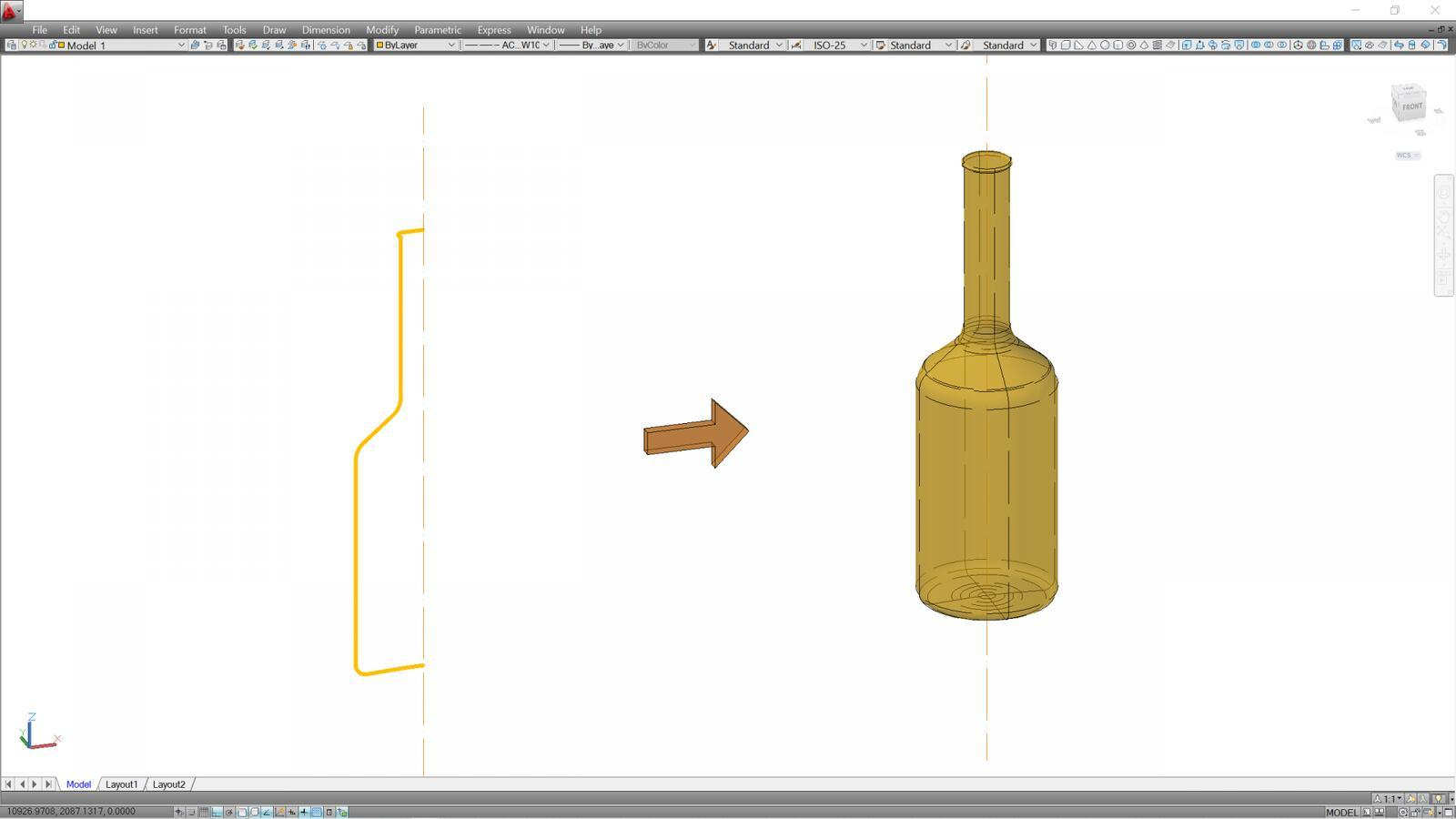
The REVOLVE command is a 3D modeling tool in AutoCAD used to create three-dimensional objects by rotating a 2D shape around a selected axis. It is commonly used to design vases, bottles, wheels, cups, and machine parts.
2. Steps for Using the REVOLVE Command
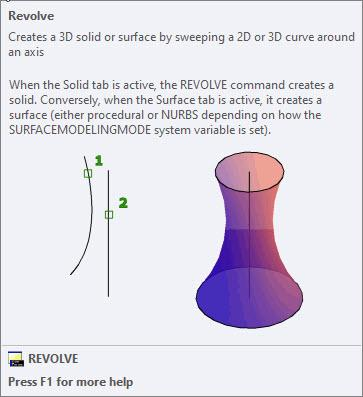
- Open AutoCAD and select the 3D Modeling workspace.
- Draw a closed 2D profile using LINE or PLINE.
- Type
REVOLVEand press ENTER. - Select the 2D shape and press ENTER.
- Select the first and second points of the rotation axis.
- Enter
360degrees and press ENTER. - Your 3D object will be created.
3. Examples of Objects Created with REVOLVE
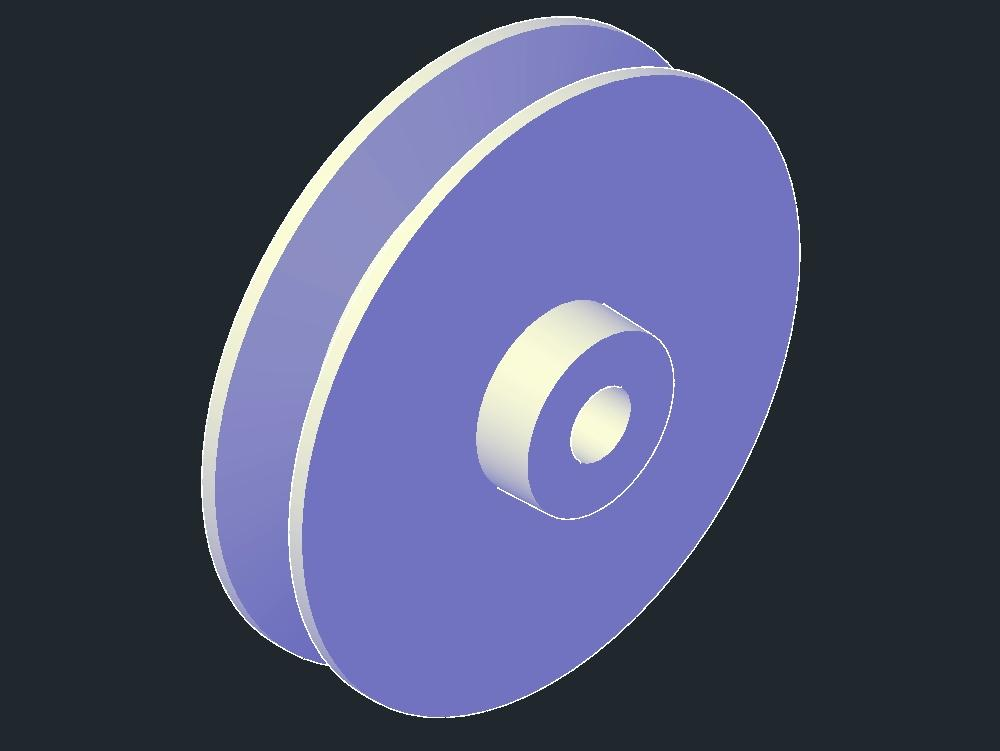
- Vases
- Bottles
- Cups
- Wheels
- Pulleys
- Machine shafts
4. Advantages of REVOLVE
- Makes 3D modeling easier and faster.
- Produces accurate symmetrical objects.
- Saves design time.
- Creates complex shapes from simple 2D profiles.
5. Conclusion
The REVOLVE command is an important tool in AutoCAD 3D modeling. It helps users transform 2D shapes into 3D objects by rotating them around an axis. It is useful in architecture, engineering, and product design.