
1. Introduction
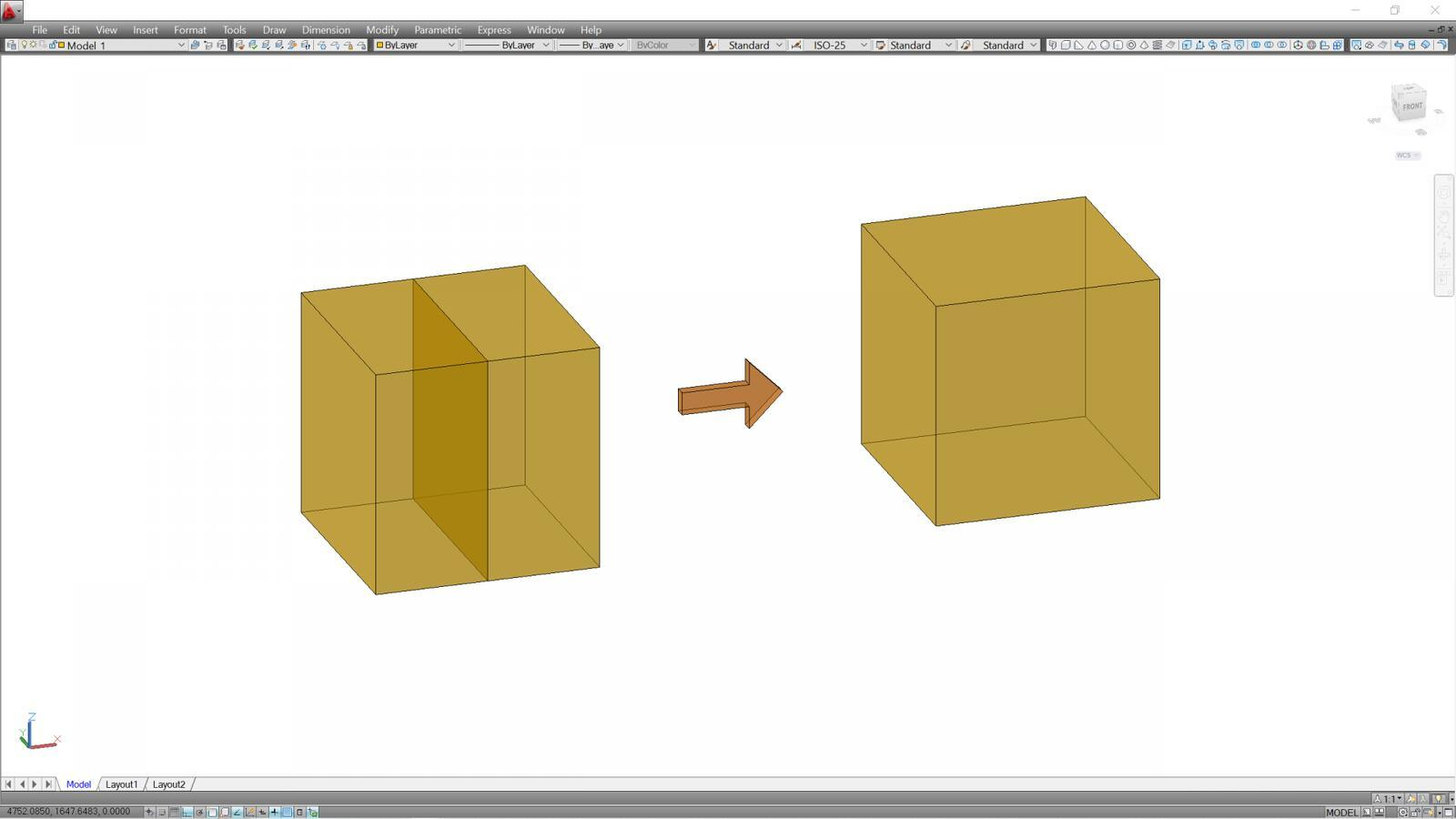
The UNION command is an important tool in AutoCAD 3D modeling. It is used to combine two or more 3D solid objects into one single solid. This command makes it easier for designers and engineers to create complex shapes from simple geometric objects.
2. Meaning of the UNION Command
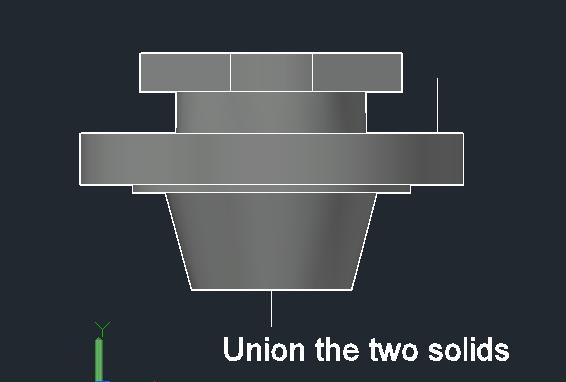
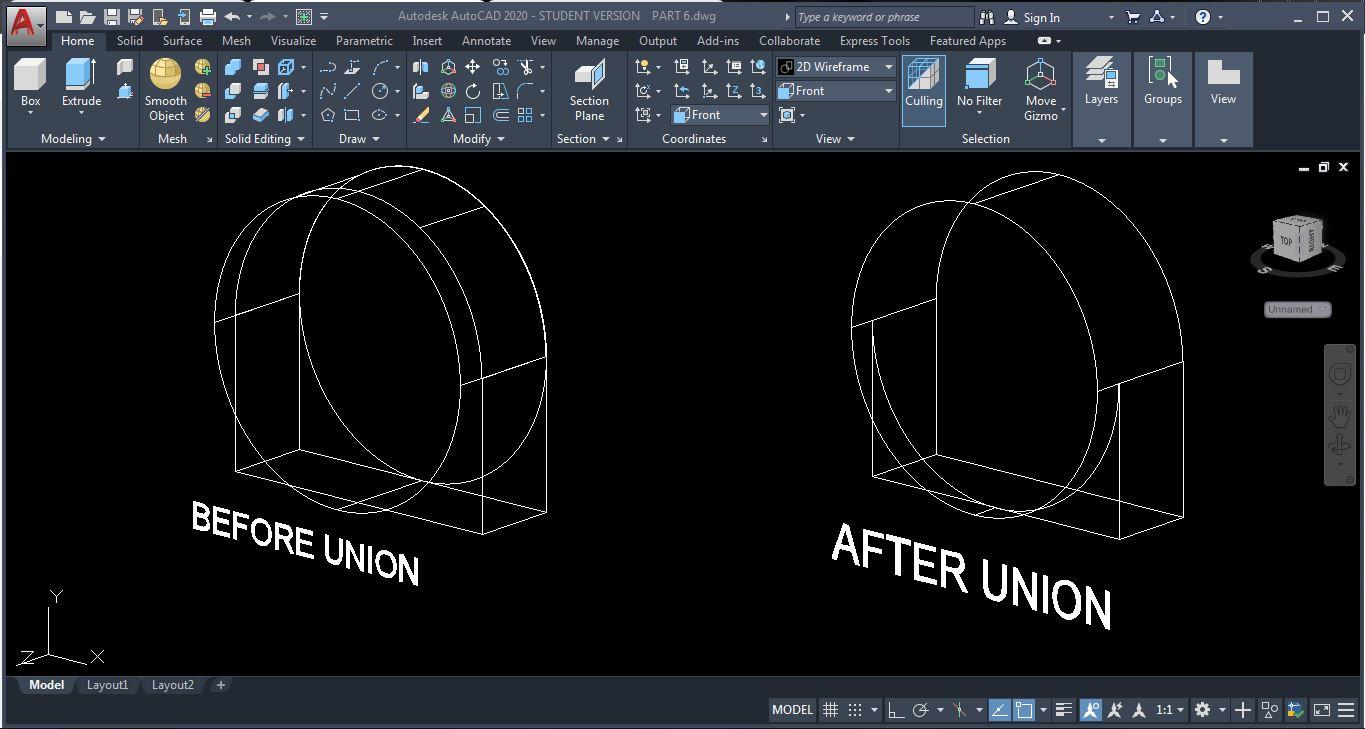
The UNION command is a 3D editing tool that joins selected solid objects together to form one continuous solid. For example, a box and a cylinder can be combined to create a single 3D object.
3. Steps on How to Use the UNION Command
- Open AutoCAD and select the 3D Modeling workspace.
- Create two or more 3D solid objects using BOX, CYLINDER, or other solid commands.
- Position the objects so that they touch or overlap.
- Type
UNIONin the command line. - Press ENTER.
- Select all the objects you want to combine.
- Press ENTER to complete the operation.
The selected objects will become one 3D solid.
4. Applications of the UNION Command
The UNION command is used in:
- Mechanical engineering for combining machine parts.
- Architecture for creating building components.
- Product design for developing complex shapes.
- Furniture design for joining different solid components.
5. Advantages of the UNION Command
- Combines multiple solids into one object.
- Makes 3D modeling easier and faster.
- Helps create complex designs.
- Reduces the need to model objects separately.
- Improves the organization of 3D models.
6. Conclusion
The UNION command is a useful feature in AutoCAD 3D modeling because it allows users to combine two or more solid objects into one. It helps designers create complex structures easily and accurately. Understanding this command improves the efficiency and quality of 3D design work.