
Steps:
- Type DSETTINGS and press Enter on the command line
- Go to SNAP AND GRID tab locate SNAP TYPE option and select the ISOMETRIC SNAP and click on OK.

NOTE: That your cross hair changed to an isometric cross hair
Activate by clicking on the ORTHO MODE on the drafting settings are

NOTE: That when the ORTHO MODE is ON the POLAR goes off automatically, that means both tools cannot be on at the same time.
- Start the line command a draw the image below navigating to any axis with F5 key.
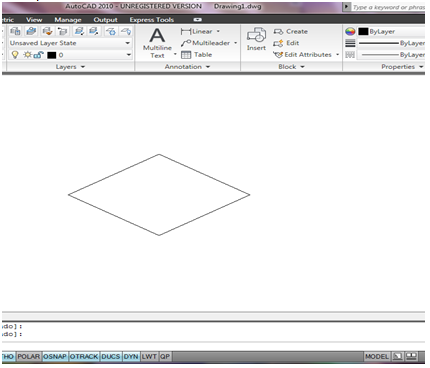
- Continue the process until the image below as been completed navigating with the F5 key.
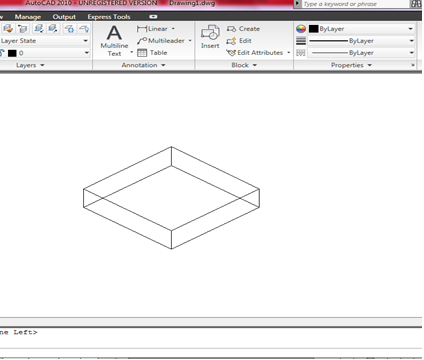
NOTE: That a box as been achieved on a 2D workspace showing in 3D with the help of F5 key.
- After Completion of the image press ENTRE or ESC to end command.
- Then change your crosshair back to RECTANGLER SNAP with step 1 and 2 process.