by Oluwaseun | Apr 26, 2019 | Articles and Short Tutorials, Graphics Design Articles
Hello Everyone ! We will talk about how you can change the background of an image. The sounds magical, right? Don’t worry I will simplify the process for you . At the end you will discover it is very easy to do.Guys! Let’s hit the ground running. First...

by Oluwaseun | Apr 24, 2019 | Articles and Short Tutorials, Graphics Design Articles
Glyphs panel is used to insert punctuation, superscript & subscript characters, currency symbols, numbers, specialized characters, as well as glyphs from other languages into text in Photoshop. To enter a glyph in an active text layer, do the following: Use the...

by Oluwaseun | Apr 24, 2019 | Articles and Short Tutorials, Graphics Design Articles
An adjustment layer will apply color and tonal adjustments to your image without permanently changing pixel values.Instead of making Level or Color/hue adjustment directly to an image you can create the adjustment layers for each. The color and tonal adjustments are...
by Oluwaseun | Apr 24, 2019 | Articles and Short Tutorials, Graphics Design Articles
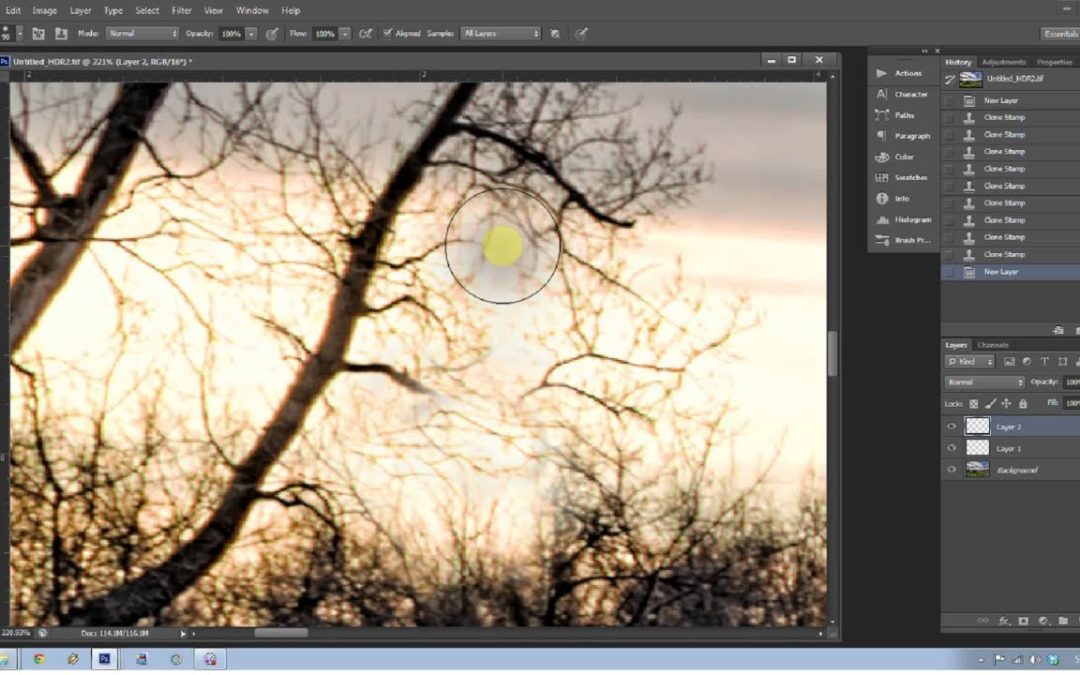
Hello there! I want to talk about an amazing and magical tool in photoshop called clone stamp tool.The clone stamp tool i used for pixel to pixel cloning in photoshop.One can use the Clone Stamp tool for removing a product’s name from an image, replacing an...
by Oluwaseun | Apr 23, 2019 | Articles and Short Tutorials, Graphics Design Articles
In coreldraw you also skew an object or texts.When you skew an object, you specify the degree by which you want to slant the object.Stretching changes an object’s vertical and horizontal dimensions in a non proportional manner. Coreldraw will also let you change the...
