
It is so funny and ridiculous that a lot of users of Microsoft Word have restricted i
ts usage to typing. Mind you, this package is embodiment of lot, far from your imagination. In this article, I would like to reveal of them to you. This is called Spell Check.
Oh, you are amazed?
Be calm, you are yet to be really amazed.
Spell Check enables user to cross check their spelling skills. Most times, most users do not wish to see errors in their typed works. But this becomes unavoidable at times when one is in haste to get work done. The beauty of this spell check is that it can correct errors on itself. Not all errors. For instance you want to type come and mistakenly you typed “coem”, by clicking on spacebar it will change it automatically to come for you.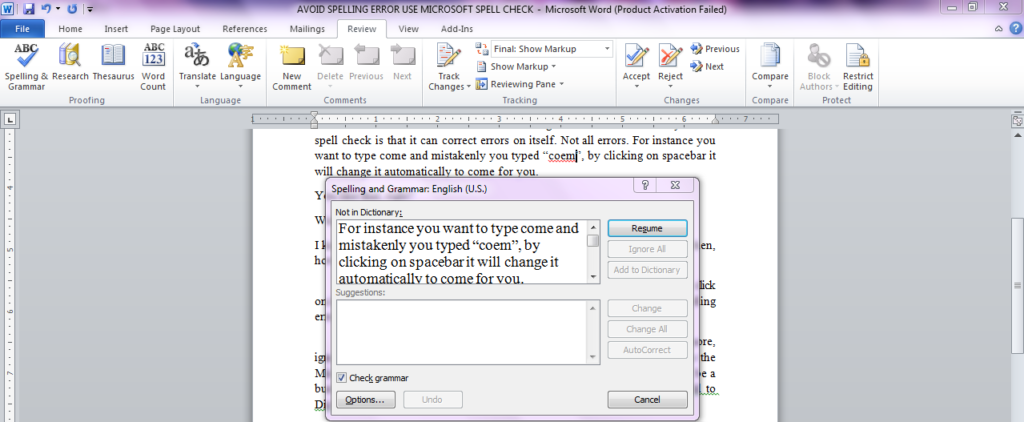
You like that, right?
Wait, there is more to learn.
I know you are so eager to get started. You would be wondering by saying, then, how do I enable this on my Microsoft Word?
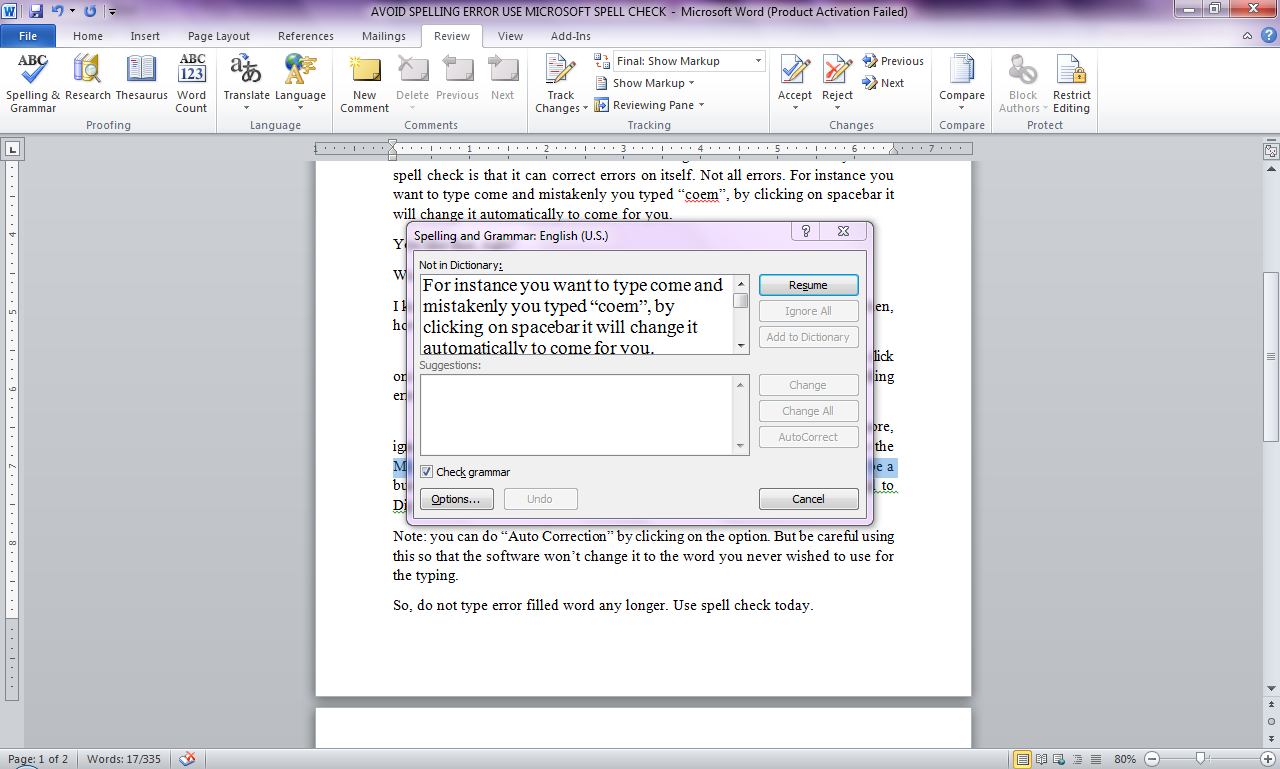
To this, click on REVIEW. You will see Spelling and Grammar, kindly click on it. Mark “check grammar”. This enables it to notify whenever there is spelling error which it cannot correct automatically.
Not only that, there are some options in the dialogue box. Examples: ignore, ignore all, add to dictionary and the like. For instance, to ignore means the Microsoft shouldn’t notify you as to the word, that is it is correct. It could be a business term. To avoid further notification of this, kindly click on “Add to Dictionary”. This means it has been added to your word bank.
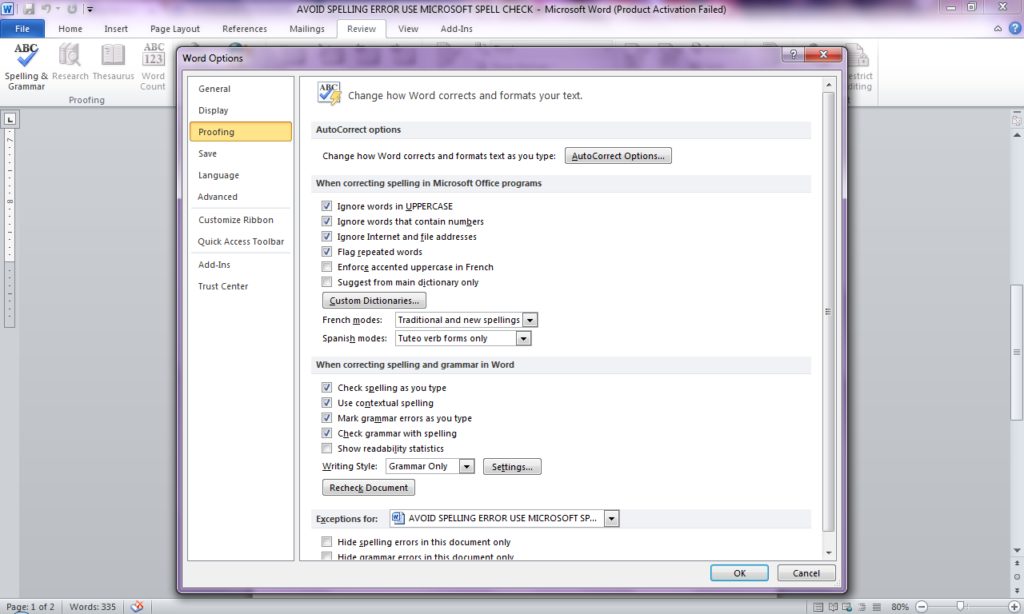
Note: you can do “Auto Correction” by clicking on the option. But be careful using this so that the software won’t change it to the word you never wished to use for the typing. You can as well further edit it to your own suitable form.
So, do not type error filled word any longer. Use spell check today.
Thank you.