by Oluwaseun | Jul 21, 2017 | Articles and Short Tutorials, Microsoft Word Tutorials and Articles
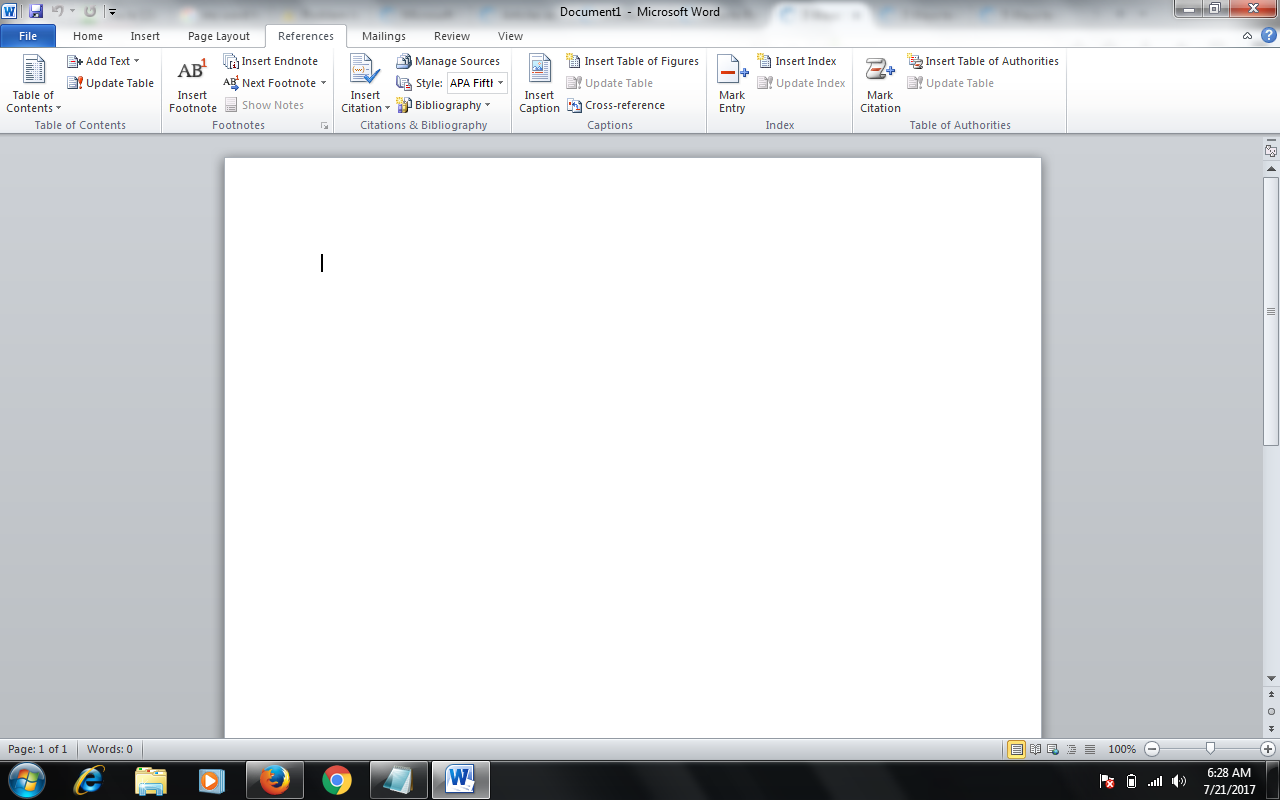
Footnotes allow you to cite sources or explain a concept in detail without sidetracking the main text. Word makes managing footnotes easy, as new footnotes are numbered automatically, and the footnotes area expands and shrinks dynamically based on the amount of text....

by Bashiru Adeitan | Oct 27, 2016 | Articles and Short Tutorials, Microsoft Word Tutorials and Articles
Microsoft Office is one of the most popular office suites out there. It’s used by businesses both large and small. There are versions for college students and for home use. It’s available for both PC and Mac and word around the internet grapevine is that it’ll...

by Bashiru Adeitan | Oct 27, 2016 | Articles and Short Tutorials, Microsoft Word Tutorials and Articles
Microsoft Word is a very popular word-processing program. While it can be used for typing letters and basic documents, a Word document can also include pictures and graphics for making posters or even birthday cards. This guide explains how to move...

by Bashiru Adeitan | Oct 26, 2016 | Articles and Short Tutorials, Microsoft Word Tutorials and Articles
Sometimes, a document that you’re creating may call for different text layouts. The standard layout is for the text to be aligned to the left. Other layouts that can be set up are centred text, where text will be placed in the centre of the document, right...
by Bashiru Adeitan | Oct 26, 2016 | Articles and Short Tutorials, Microsoft Word Tutorials and Articles
Microsoft Word is the industry-standard word processing program used on most computers. With Word, you can create documents and complete a number of other functions related to word processing. This program carries with it several advantages that you can benefit from....
by Bashiru Adeitan | Oct 26, 2016 | Articles and Short Tutorials, Microsoft Word Tutorials and Articles
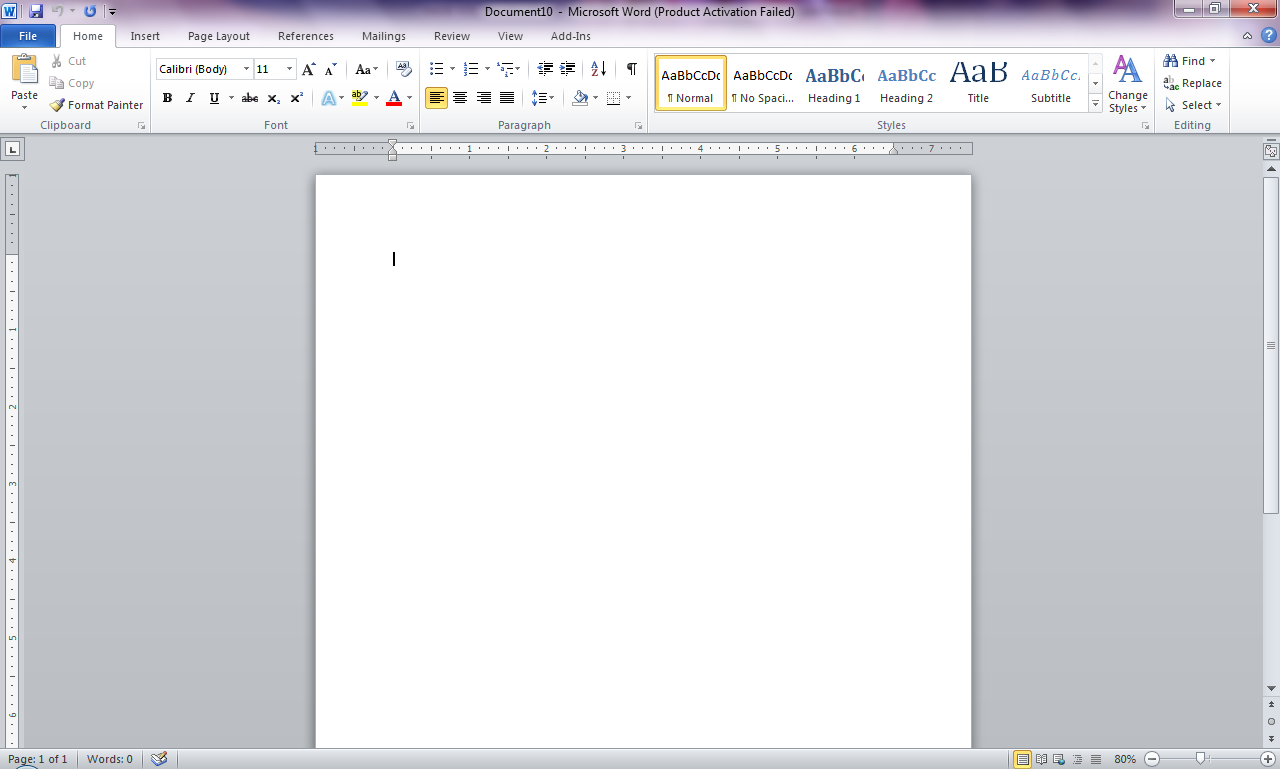
Using numbered or bulleted lists can help if you want to make items stand out or show important steps in a document. This guide explains how to insert bullet points or numbers in a document in Microsoft Word 2010. Some steps may be different in earlier...
