
by Oluwaseun | Oct 4, 2016 | Articles and Short Tutorials, Revit Architecture Articles
When creating a project in Revit Architecture, you can: ■ Use default settings, which are defined in a project template. Revit Architecture includes a default template called default.rte, which contains several settings to help you begin the design process...
by Oluwaseun | Oct 4, 2016 | 3dsmax Articles, Articles and Short Tutorials
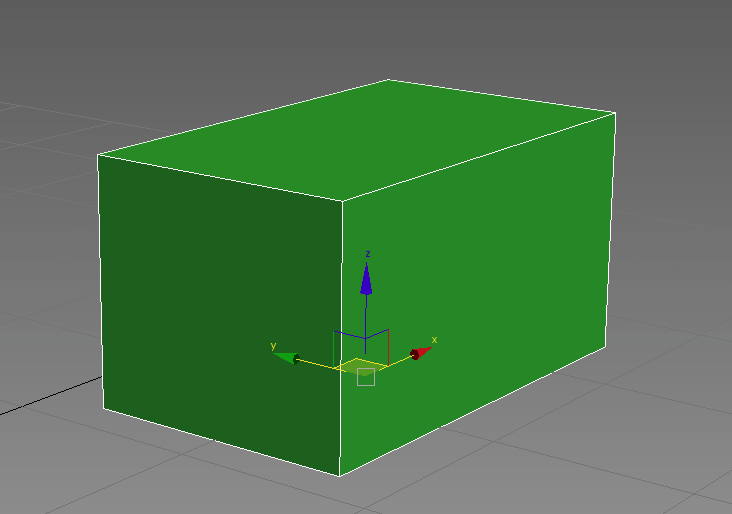
3ds Max has a default 4-view layout: top, left, front and perspective. Toolbars (containing buttons) can be customized and docked anywhere in the window. Most of the buttons in toolbars have tooltips when you hover your mouse over them—and some have different...

by Oluwaseun | Jul 7, 2016 | Articles and Short Tutorials, Microsoft Excel Articles
When we format cells in Excel, we change the appearance of a number without changing the number itself. We can apply a number format (0.8, $0.80, 80%, etc) or other formatting (alignment, font, border, etc). 1. Enter the value 0.8 into cell B2. By default, Excel uses...

by Oluwaseun | Jul 6, 2016 | Articles and Short Tutorials, Microsoft Project Tutorials and Articles
This tutorial shows how to convert a project created with Microsoft Office Project 2007 to a PDF file using novaPDF Microsoft Office Project is a software used to schedule and control projects. If you need to send a Microsoft Office Project file for review, physically...
by Oluwaseun | Jul 6, 2016 | Articles and Short Tutorials, Microsoft Project Tutorials and Articles
This tutorial shows how to convert a project created with Microsoft Office Project 2010 – 2013 to a PDF file using novaPDF Microsoft Office Project is a software used to schedule and control projects. If you need to send a Microsoft Office Project file for...
by Oluwaseun | Jul 6, 2016 | Articles and Short Tutorials, Microsoft Project Tutorials and Articles
Converting specific Microsoft Project reports to PDF Microsoft Project allows creating different customizable reports for your project, which might be particularly helpful with large projects. To convert custom reports to PDF: Open Microsoft Office Project and go to...
