
Steps

Find
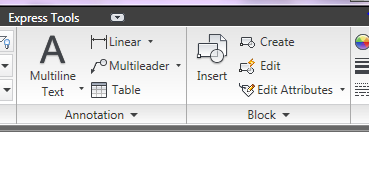
Select Multiline text

Specify opposite corner of a bounding box to define the width of the multiline text object. If the ribbon is active the text editor contextual tab display.

- Specify the initial formatting
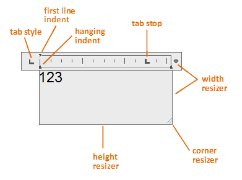
- Enter the text
Note: While typing, the text may be displayed horizontally and at a legible size

- To change individual characters, words or paragraphs, highlight the text and specify the formatting changes.
- To save your changes and exit the text editor, use one of the following
- On the Text Editor ribbon contextual tab, in the close panel, click close text editor.
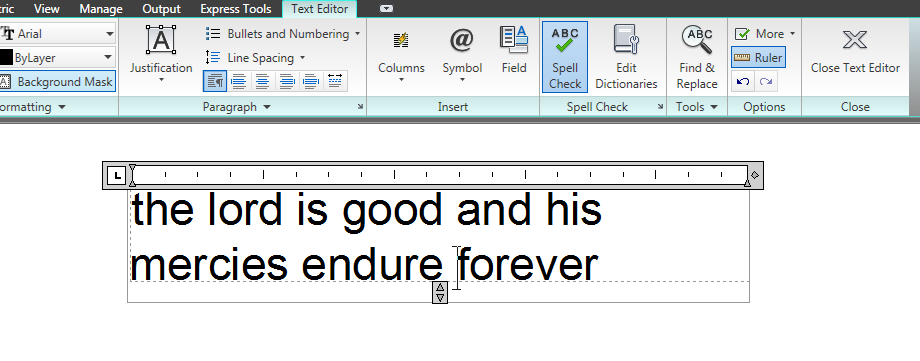
- Click in the drawing outside the editor
- Press Ctrl + Enter