
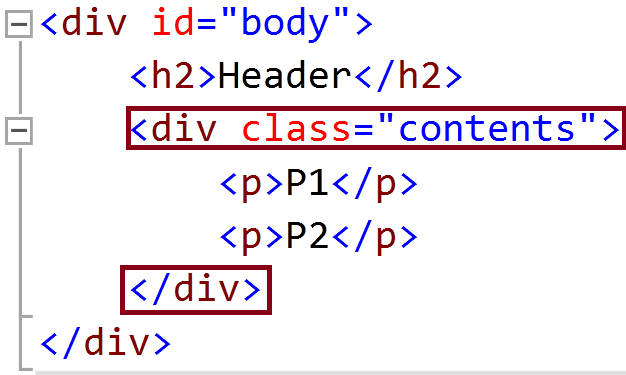
Using The class Attribute
The HTML class attribute makes it possible to define equal styles for elements with the same class name.
Here we have three <div> elements that point to the same class name:
Example
<!DOCTYPE html>
<html>
<head>
<style>
div.cities {
background-color: black;
color: white;
margin: 20px 0 20px 0;
padding: 20px;
}
</style>
</head>
<body>
<div class=”cities”>
<h2>London</h2>
<p>London is the capital of England. It is the most populous city in the United Kingdom, with a metropolitan area of over 13 million inhabitants.</p>
</div>
<div class=”cities”>
<h2>Paris</h2>
<p>Paris is the capital and most populous city of France.</p>
</div>
<div class=”cities”>
<h2>Tokyo</h2>
<p>Tokyo is the capital of Japan, the center of the Greater Tokyo Area,
and the most populous metropolitan area in the world.</p>
</div>
</body>
</html>
Using The class Attribute on Inline Elements
The HTML class attribute can also be used for inline elements:
Example
<!DOCTYPE html>
<html>
<head>
<style>
span.note {
font-size: 120%;
color: red;
}
</style>
</head>
<body>
<h1>My <span class=”note”>Important</span> Heading</h1>
<p>This is some <span class=”note”>important</span> text.</p>
</body>
</html>