
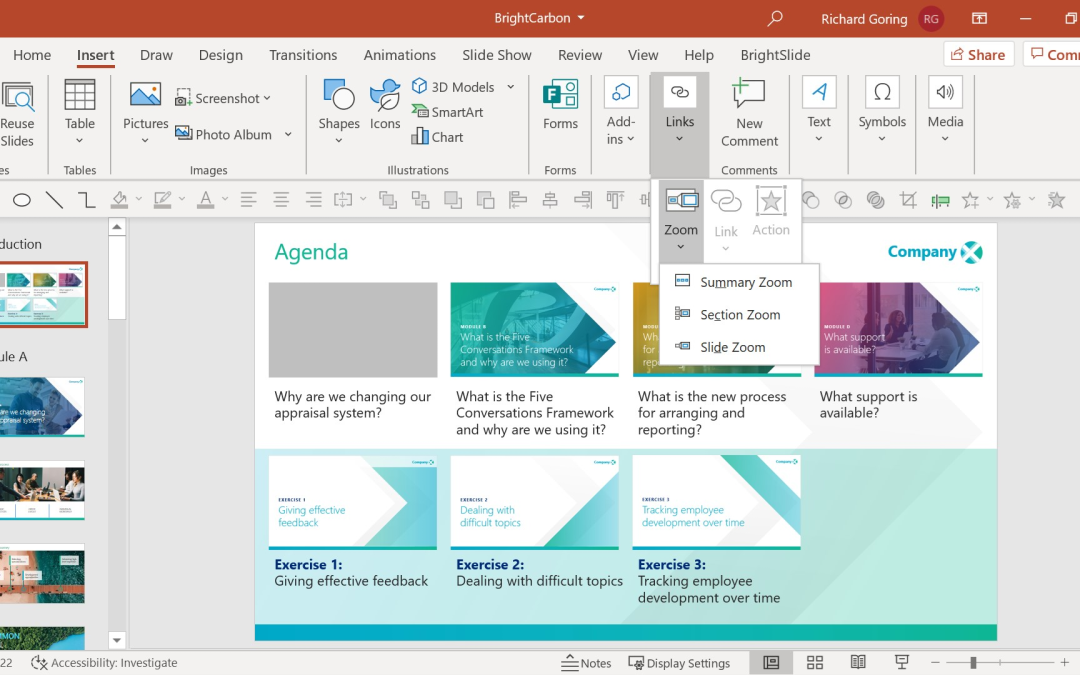
Many presentations force the audience to move through slides in a fixed order. This can be frustrating when you want to jump between topics quickly.
PowerPoint Zoom solves this problem.
Zoom allows you to create interactive navigation where users can click on sections and jump directly to the part they want.
This makes the presentation feel more like a website or app.
What is PowerPoint Zoom?
Zoom is a feature that creates clickable links between slides.
There are three main types:
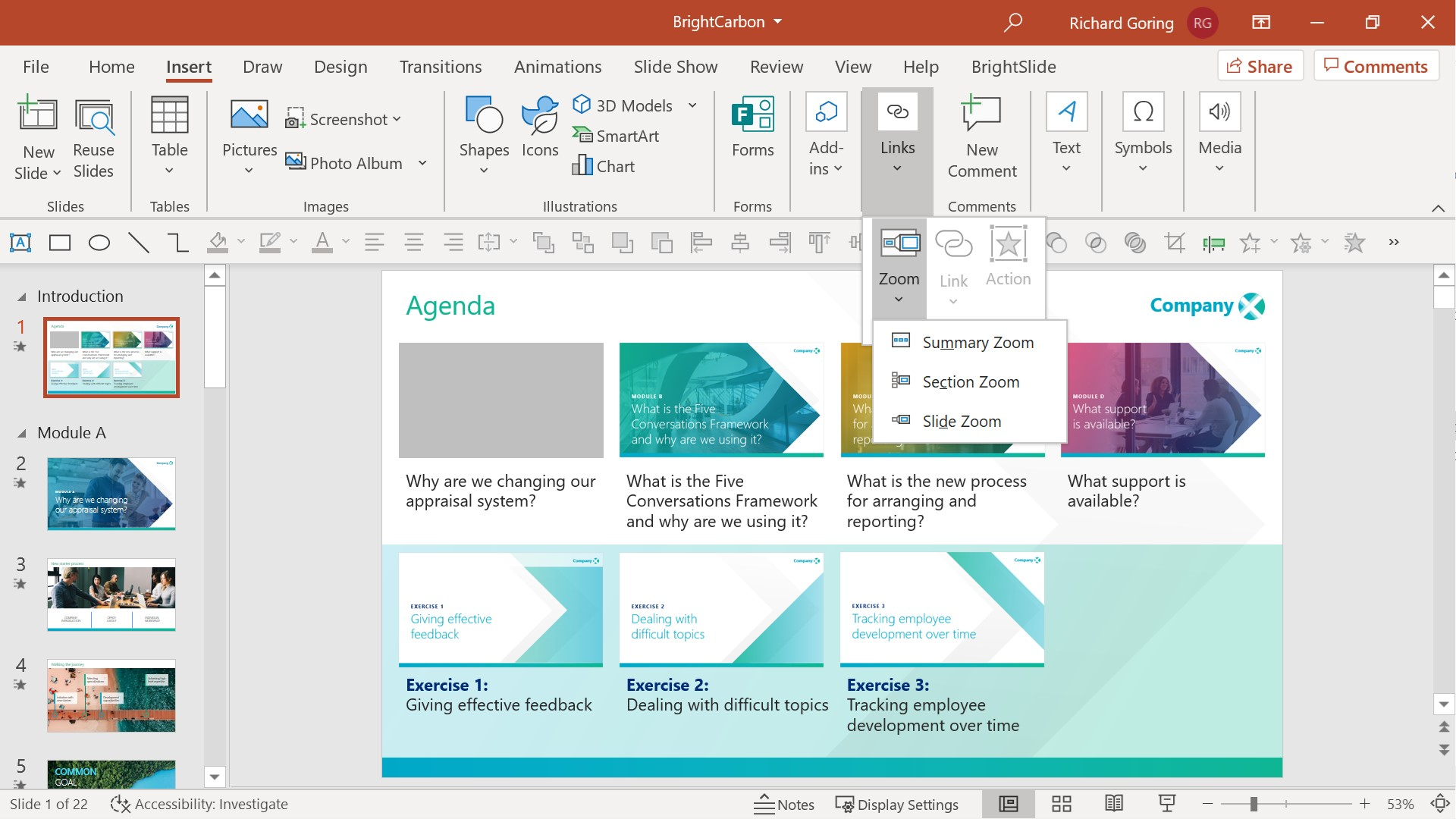
- Summary Zoom
- Section Zoom
- Slide Zoom
Summary Zoom creates a main menu page.
Section Zoom jumps to a specific section.
Slide Zoom jumps to an individual slide.
Why Zoom Is Useful
Zoom is especially useful when:
- Presenting to different audiences
- Skipping irrelevant sections
- Building training presentations
- Creating interactive lessons
For example, instead of forcing every audience to sit through 30 slides, you can let them choose:
- Sales
- Marketing
- Finance
- Questions
Each option can open a different section instantly.
Best Practices
To use Zoom effectively:
- Create a clear menu slide
- Use large clickable buttons
- Keep navigation simple
- Include a way to return to the main menu
This makes your presentation easier and more interactive.