
1. Introduction
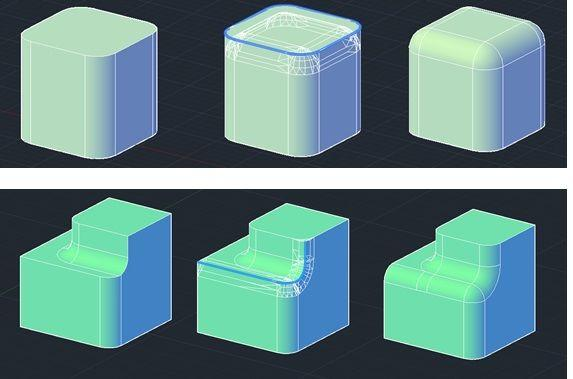
The 3D FILLET command in AutoCAD is used to create smooth, rounded edges between the faces of a 3D solid object. It helps remove sharp edges and gives objects a more finished and realistic appearance.
2. Steps for Using 3D FILLET in AutoCAD
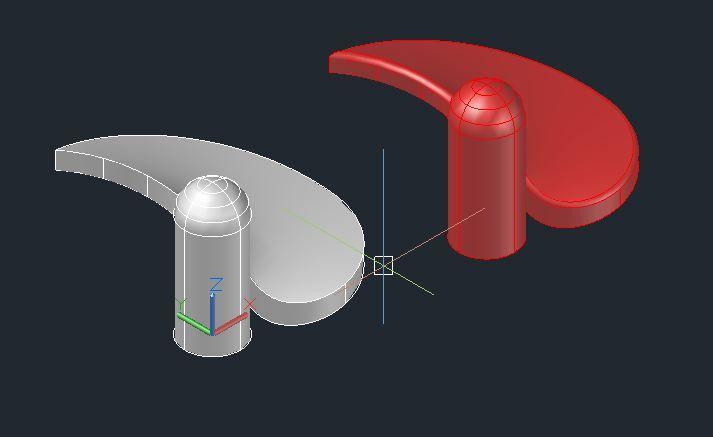
- Open AutoCAD and select the 3D Modeling workspace.
- Create a 3D solid object using BOX or another solid tool.
- Type
FILLETEDGEin the command line and press ENTER. - Select the edge or edges you want to round.
- Press ENTER.
- Type
Rto select the radius option, if prompted. - Enter your desired fillet radius.
- Press ENTER to complete the operation.
3. Applications of 3D FILLET
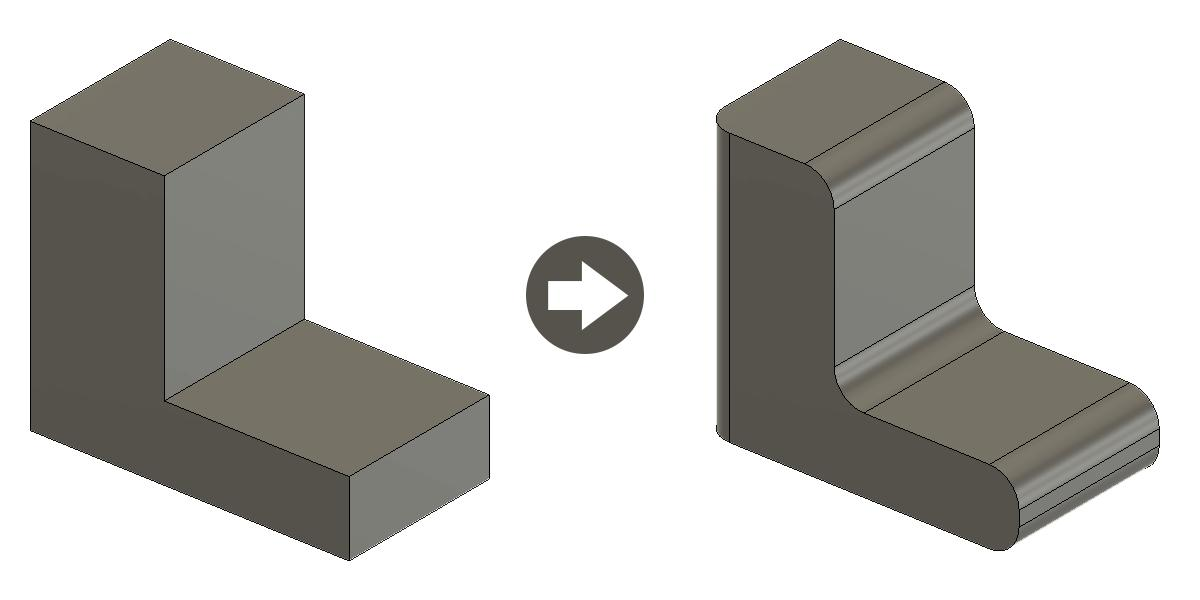
The 3D FILLET command is used for:
- Rounding sharp edges of objects.
- Designing machine components.
- Creating smooth furniture edges.
- Improving the appearance of 3D models.
- Designing rounded architectural elements.
4. Advantages of 3D FILLET
- Produces smooth and rounded edges.
- Improves the appearance of 3D objects.
- Makes designs look more realistic.
- Helps reduce sharp corners in product designs.
5. Conclusion
The 3D FILLET command is an important tool in AutoCAD 3D modeling. It allows users to round sharp edges of solid objects using a specified radius. It is useful in mechanical engineering, architecture, product design, and other design fields.