
HOW TO USE 3D ROTATE IN AUTOCAD
1. Introduction
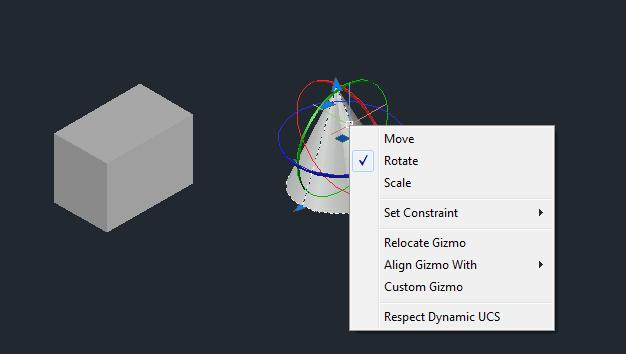
The 3D ROTATE command in AutoCAD is used to rotate 3D objects around the X, Y, or Z axis. It helps users change the position and orientation of objects when creating 3D designs.
2. Steps for Using 3D ROTATE
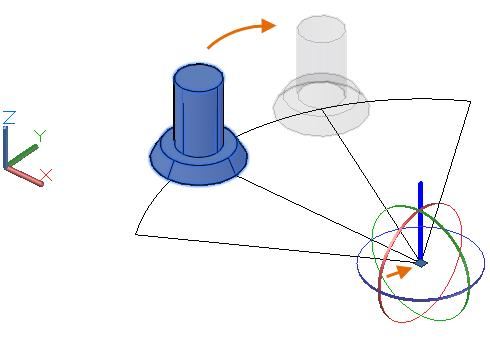
- Open AutoCAD and select the 3D Modeling workspace.
- Create or open a 3D object.
- Type
3DROTATEin the command line and press ENTER. - Select the object you want to rotate.
- Press ENTER.
- Select the rotation centre or base point.
- Choose the rotation axis (X, Y, or Z).
- Enter the rotation angle, such as 90 or 180 degrees.
- Press ENTER to complete the operation.
3. Applications of 3D ROTATE
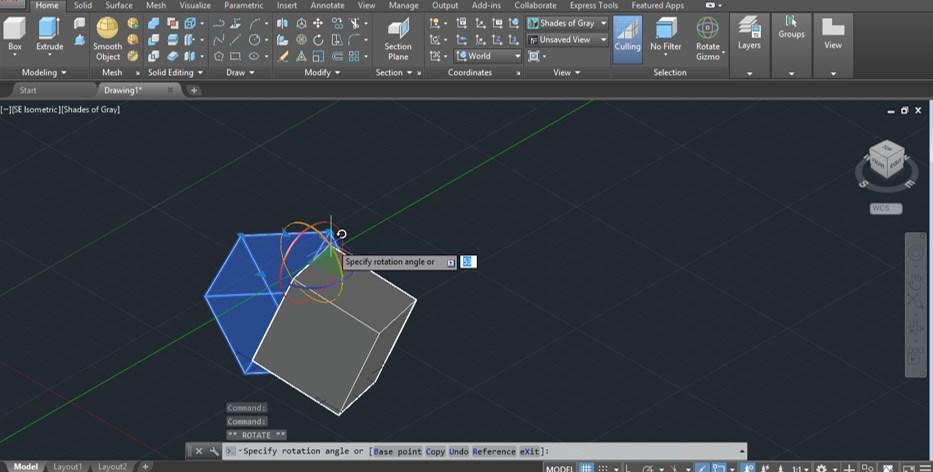
3D ROTATE is used for:
- Rotating machine components.
- Positioning furniture and objects.
- Adjusting building components.
- Changing the orientation of 3D models.
4. Advantages of 3D ROTATE
- Allows accurate object positioning.
- Makes 3D editing easier.
- Saves design time.
- Provides control over object orientation.
5. Conclusion
The 3D ROTATE command is an important AutoCAD tool used to change the orientation of 3D objects around different axes. It is useful in architecture, engineering, and mechanical design.