by Peter Obikpe | Apr 1, 2026 | Microsoft Excel Articles
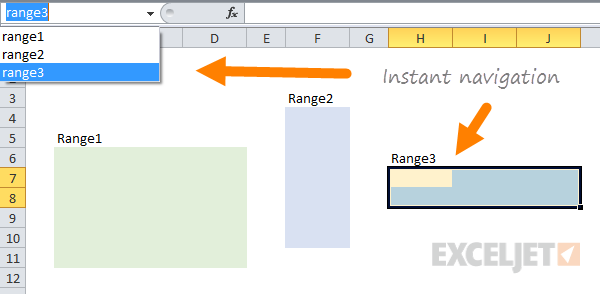
Most Excel users write formulas using cell references such as A2, B15, or D20. As spreadsheets become larger, those references become difficult to understand. For example, compare these two formulas: =SUM(B2:B15) =SUM(Sales_Amount) The second formula is much easier to...
by Peter Obikpe | Apr 1, 2026 | Microsoft Excel Articles
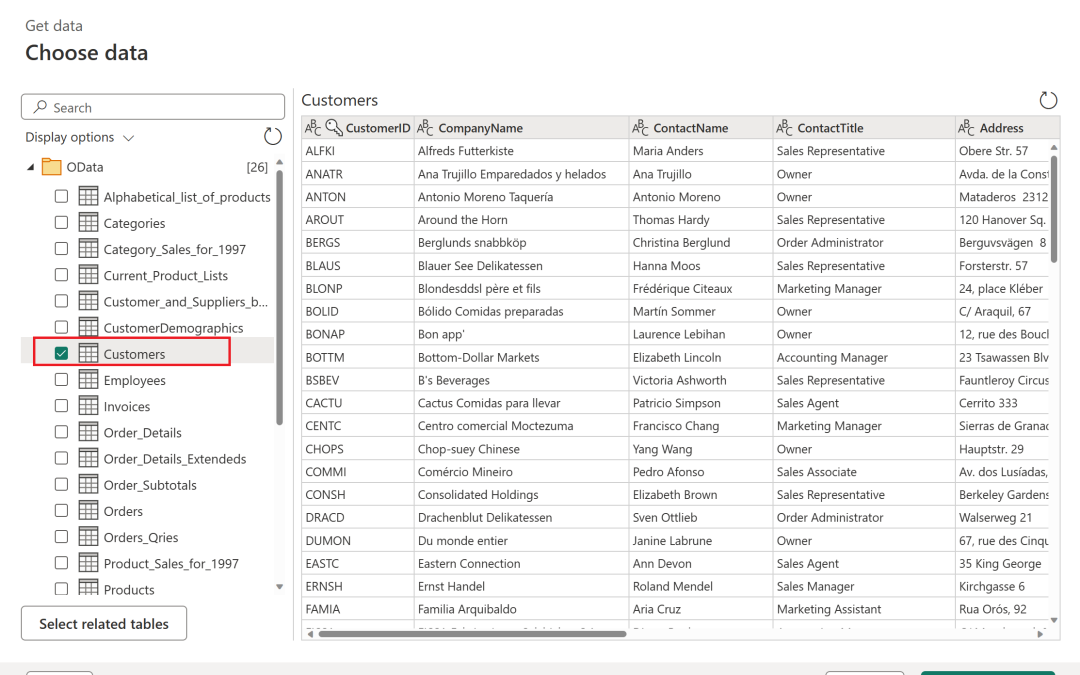
Many Excel users still spend hours manually deleting blank rows, fixing dates, splitting names, and combining files. The problem is that these same cleaning tasks usually need to be repeated every time new data arrives. A smarter solution is to use Power Query in...
by Peter Obikpe | Mar 28, 2026 | Data Analysis, Microsoft Excel Articles
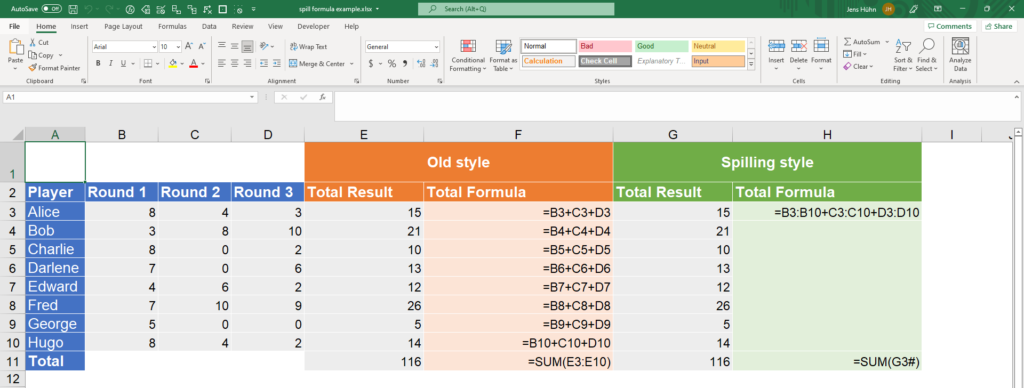
Modern Excel has changed the way professionals work with data through Dynamic Arrays. Instead of copying formulas down hundreds of rows, a single formula can now automatically spill results into multiple cells. This makes data analysis faster, cleaner, and far more...
by Peter Obikpe | Mar 28, 2026 | Data Analysis, Microsoft Excel Articles
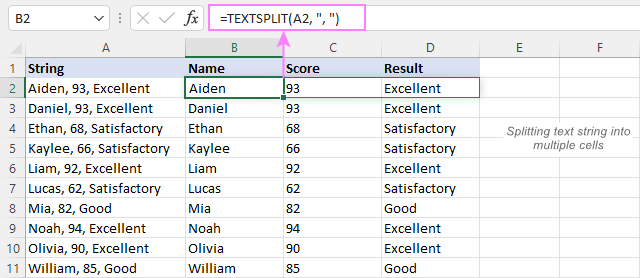
Excel is one of the most powerful tools for data analysis, but its true strength lies in its functions. The right functions can help you clean data, analyze trends, automate calculations, and uncover insights much faster than manual work. For data analysts, mastering...
by Peter Obikpe | Mar 23, 2026 | Microsoft Excel Articles
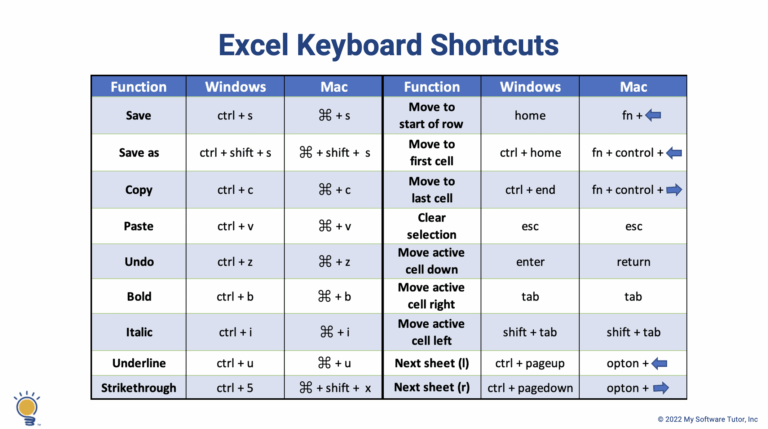
If you’re still using your mouse for everything in Excel, you’re wasting valuable time. Professionals and data analysts rely heavily on keyboard shortcuts to work faster, reduce effort, and improve productivity. Learning Excel shortcuts can dramatically speed up your...

by Peter Obikpe | Mar 23, 2026 | Data Analysis, Microsoft Excel Articles
Data is powerful, but only when it is presented clearly. Raw tables and numbers can be difficult to interpret, especially for decision-makers. This is where interactive dashboards come in. An Excel dashboard transforms complex data into visual, interactive, and...
