by dayo ade | Feb 27, 2020 | Articles and Short Tutorials, Microsoft Excel Articles
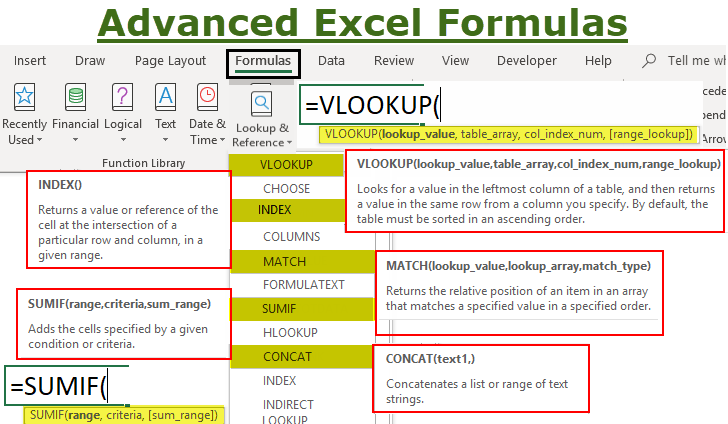
Every financial analyst or accountant spends more time in Excel than they may care to admit. Based on years and years of experience, we have compiled the most important and advanced Excel formulas that every world-class financial analyst and accountant...

by dayo ade | Feb 27, 2020 | Articles and Short Tutorials, Microsoft Excel Articles, Microsoft Project Tutorials and Articles
Knowing how to use Microsoft® Office Excel® is one of the essential skills and important tools for structural engineers when designing structures. At the end of the day, engineers rely on the calculation engines they use, so Excel is a great way to ‘gut check’ the...
by Oluwaseun | Dec 10, 2019 | Microsoft Excel Articles
To create a table in Microsoft Excel is just as easy as creating it in Microsoft Word. The only difference in both Microsoft office tools is One has grids and cell and the other doesn’t. Select a cell in the list of data that you prepared On the Ribbon, click...
by Oluwaseun | Dec 10, 2019 | Microsoft Excel Articles
Apart from adding cells, you can use Excel’s AutoSum button to insert other functions, such as: AVERAGE – to return the average (arithmetic mean) of numbers.COUNT – to count cells with numbers.MAX – to get the largest value.MIN – to get...
by Oluwaseun | Dec 10, 2019 | Microsoft Excel Articles
If you are one of those Excel users that prefer working with the keyboard rather than the mouse, you can use the following Excel AutoSum keyboard shortcut to total cells:
by Oluwaseun | Dec 10, 2019 | Microsoft Excel Articles
Autosum in Excel is a mathematical operation that adds the values in a given cell. To use AutoSum in Excel follow the steps below Select a cell next to the numbers you want to sum: To sum a column, select the cell immediately below the last value in the column.To sum...
