by Peter Obikpe | Apr 1, 2026 | Microsoft Powerpoint Articles
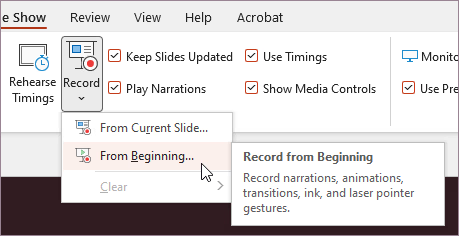
PowerPoint is not only for live presentations. You can also record your voice, webcam, and screen while presenting. This is useful if you want to create: Online lessons Recorded class presentations Training videos Project explanations Instead of presenting live every...

by Peter Obikpe | Apr 1, 2026 | Microsoft Powerpoint Articles
Many users struggle to make their slides look attractive. They spend too much time moving images, resizing text, and adjusting spacing. PowerPoint Designer can help. Designer automatically suggests slide layouts based on the content you add. What is PowerPoint...
by Peter Obikpe | Apr 1, 2026 | Microsoft Powerpoint Articles
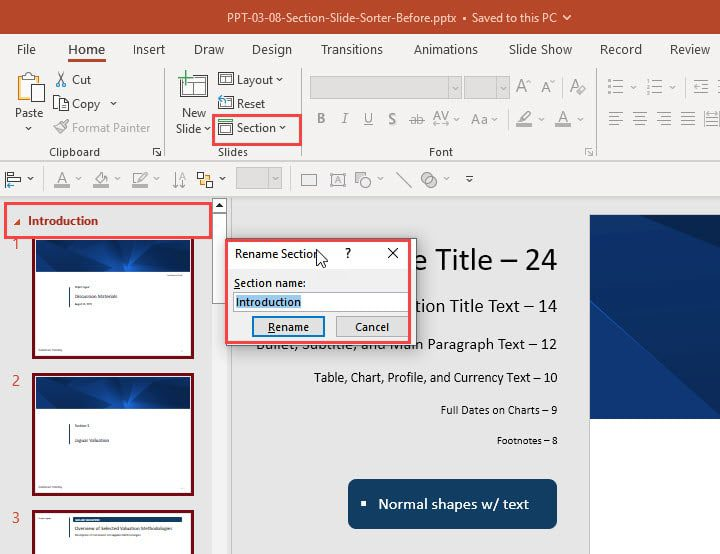
Many people create presentations with dozens of slides in one long list. As the presentation grows, it becomes difficult to manage. Sections solve this problem. Sections allow you to divide your presentation into organized groups, similar to chapters in a book. What...
by Peter Obikpe | Apr 1, 2026 | Microsoft Powerpoint Articles
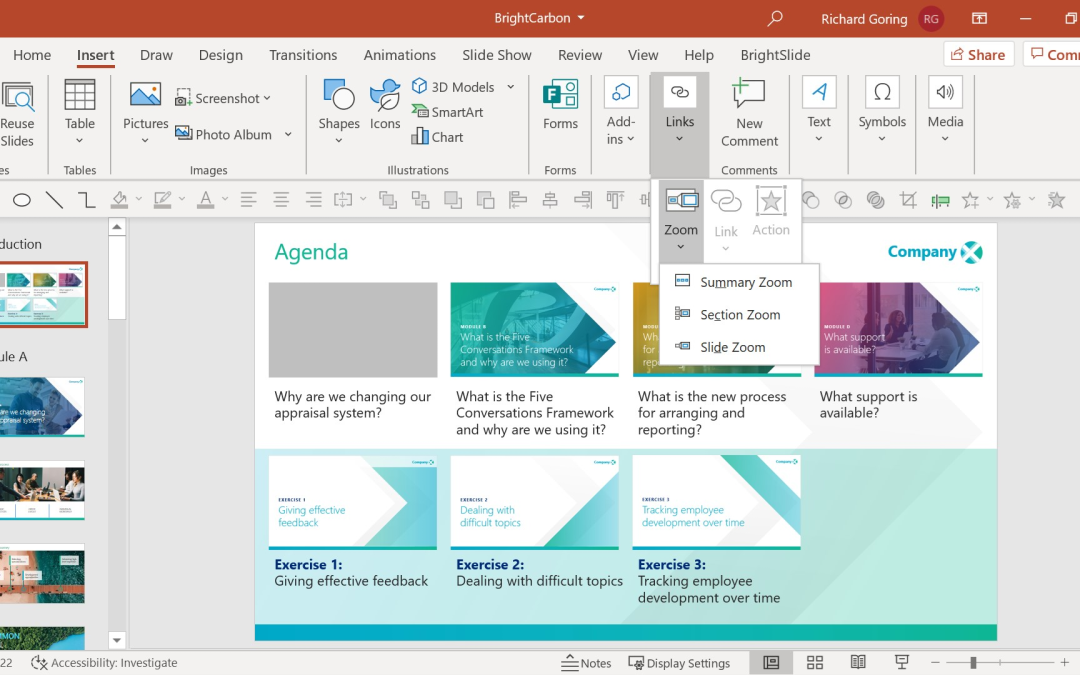
Many presentations force the audience to move through slides in a fixed order. This can be frustrating when you want to jump between topics quickly. PowerPoint Zoom solves this problem. Zoom allows you to create interactive navigation where users can click on sections...
by Peter Obikpe | Apr 1, 2026 | Microsoft Powerpoint Articles
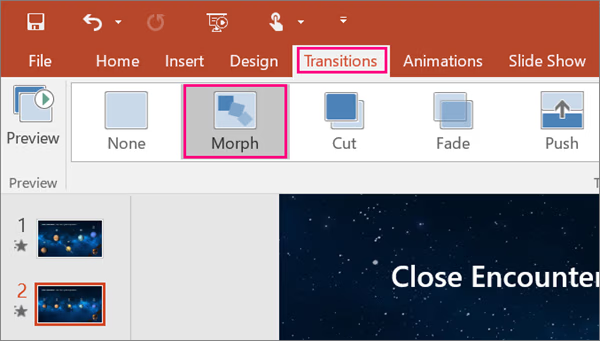
Most PowerPoint presentations use simple transitions like Fade or Wipe. While these work, they often make slides feel basic and repetitive. The Morph transition is different. Morph allows objects to move smoothly from one slide to another, creating the effect of...
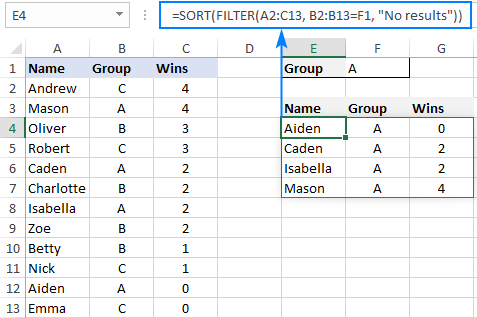
by Peter Obikpe | Apr 1, 2026 | Microsoft Excel Articles
Older Excel formulas usually return one result in one cell. Dynamic Array formulas are different. They can return multiple results automatically into several cells. This is one of the biggest changes in modern Excel. Instead of copying formulas down row by row, one...
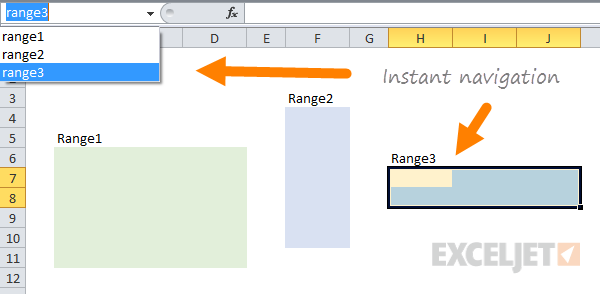
by Peter Obikpe | Apr 1, 2026 | Microsoft Excel Articles
Most Excel users write formulas using cell references such as A2, B15, or D20. As spreadsheets become larger, those references become difficult to understand. For example, compare these two formulas: =SUM(B2:B15) =SUM(Sales_Amount) The second formula is much easier to...
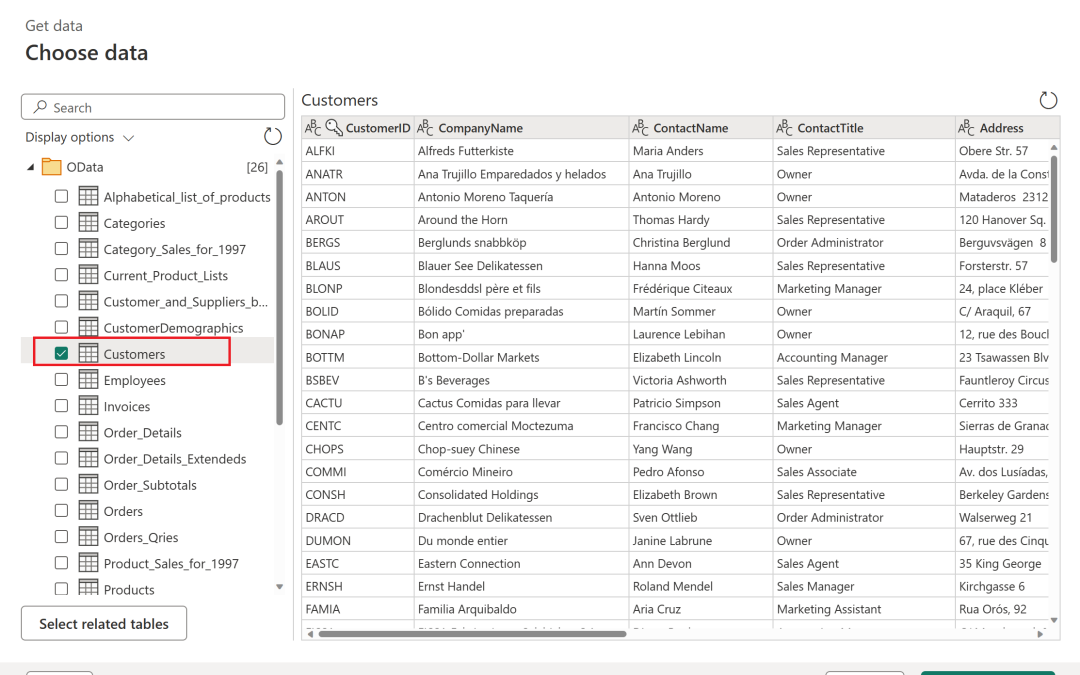
by Peter Obikpe | Apr 1, 2026 | Microsoft Excel Articles
Many Excel users still spend hours manually deleting blank rows, fixing dates, splitting names, and combining files. The problem is that these same cleaning tasks usually need to be repeated every time new data arrives. A smarter solution is to use Power Query in...
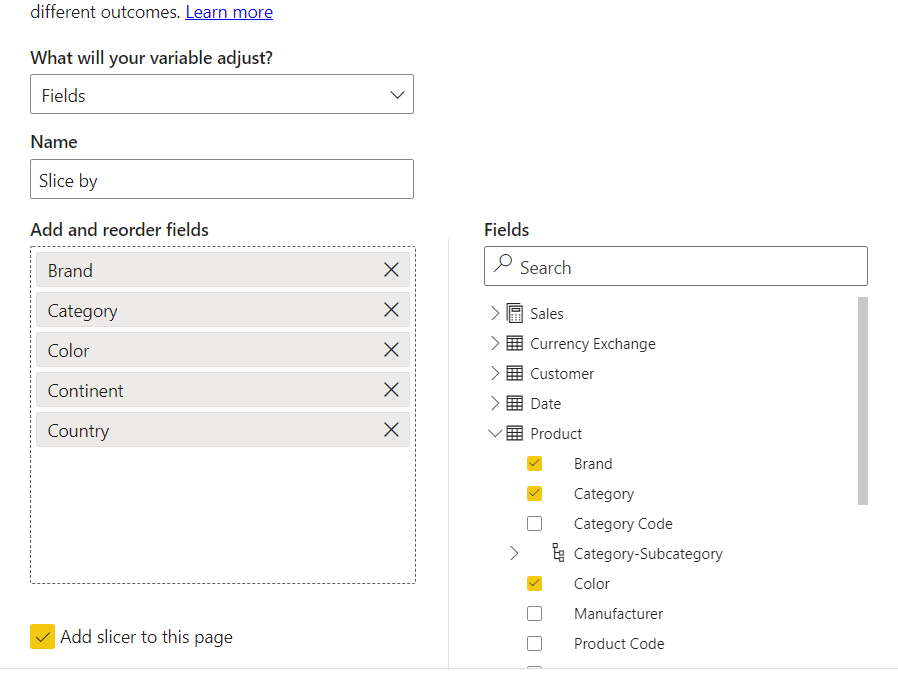
by Peter Obikpe | Apr 1, 2026 | Data Analysis
One of the newest and most powerful features in Power BI is Field Parameters. Most dashboards force users to view the same chart in the same way every time. Field Parameters allow users to choose what they want to see. Instead of creating separate visuals for every...
by Peter Obikpe | Apr 1, 2026 | Data Analysis
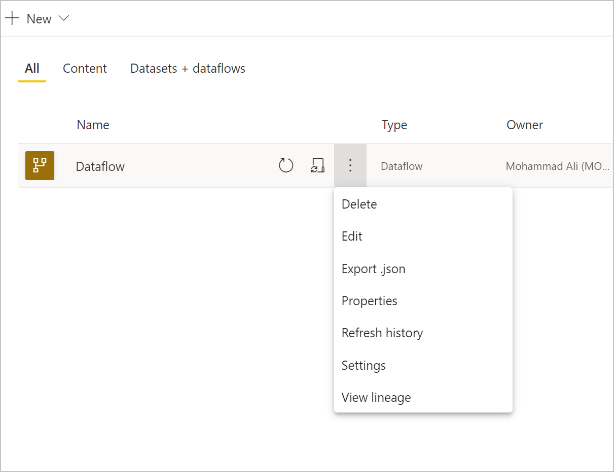
Many Power BI users import, clean, and transform the same data again and again in different reports. Over time, this creates duplicated effort, inconsistent calculations, and reports that become difficult to maintain. A smarter approach is to use Power BI Dataflows....
