by Oluwaseun | Jan 15, 2021 | Seminars and Training
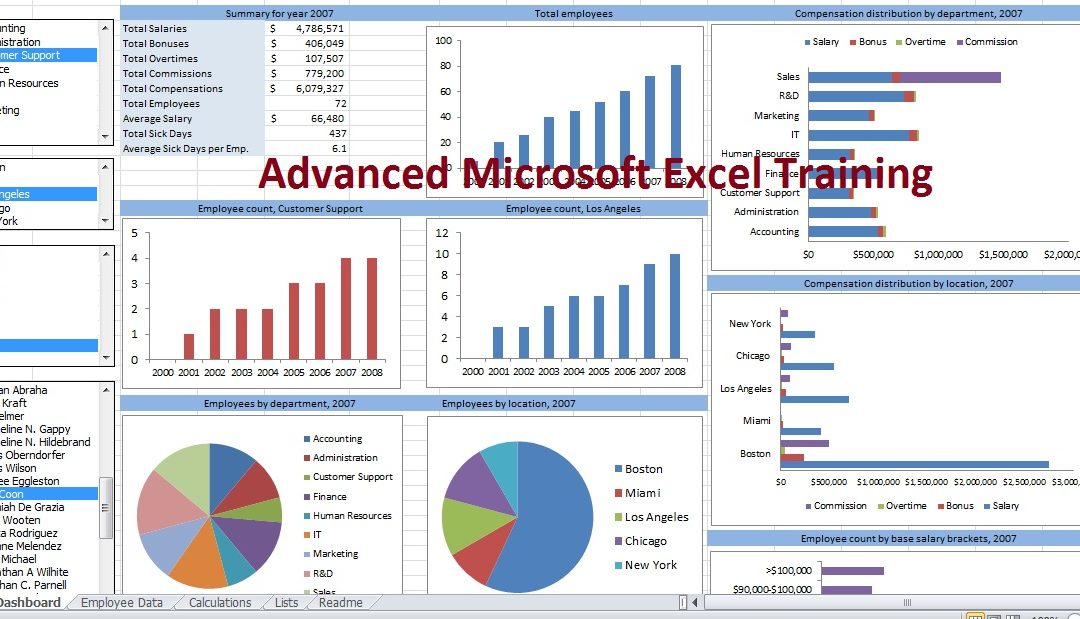
Microsoft Excel is one of today’s most powerful and versatile business tools, but if you’re not familiar with its basic functions, formulas, commands and keystrokes, you’re setting yourself up for frustration and disappointment. This Microsoft Excel Advanced training...

by dayo ade | Jan 14, 2021 | Microsoft Excel Articles
Today we are going to be talking about how to use Pivot Table in Excel. Our data set consists of 213 records and 6 fields. Order ID, Product, Category, Amount, Date and Country. Insert a Pivot Table To insert a pivot table, execute the following steps. 1. Click any...
by dayo ade | Jan 14, 2021 | Microsoft Excel Articles
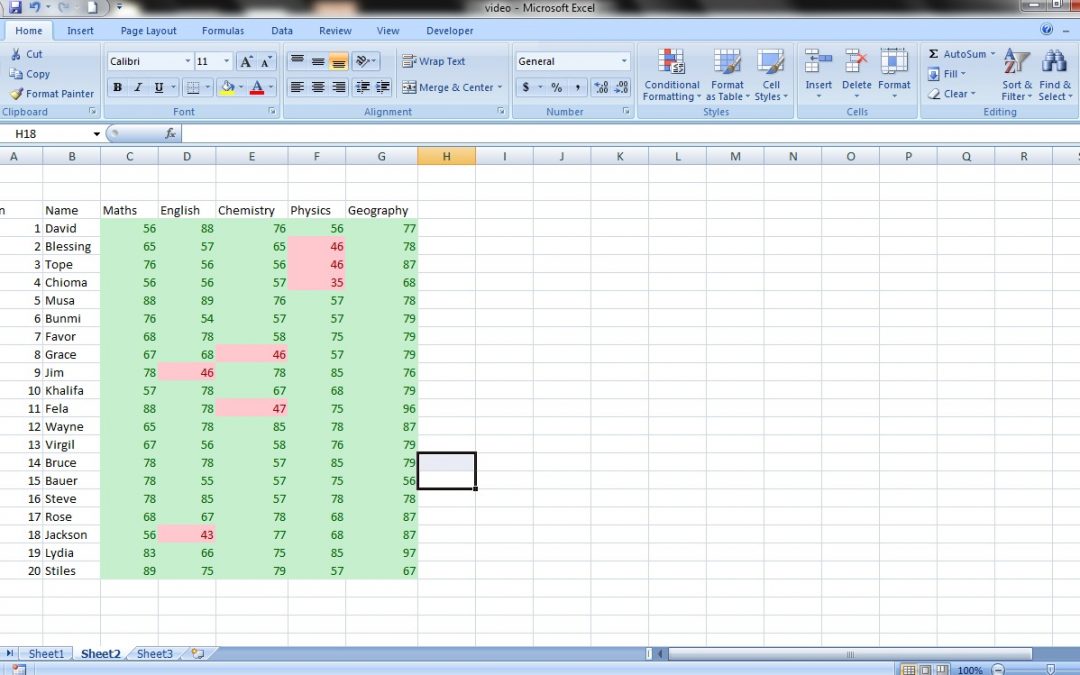
Welcome to another tutorial from Megatek ICT Academy, today we are going to be talking about conditional formatting for numbers, in another tutorial we talked about conditional formatting for text. In this tutorial we are going to be learning how to...
by dayo ade | Jan 14, 2021 | Microsoft Word Tutorials and Articles
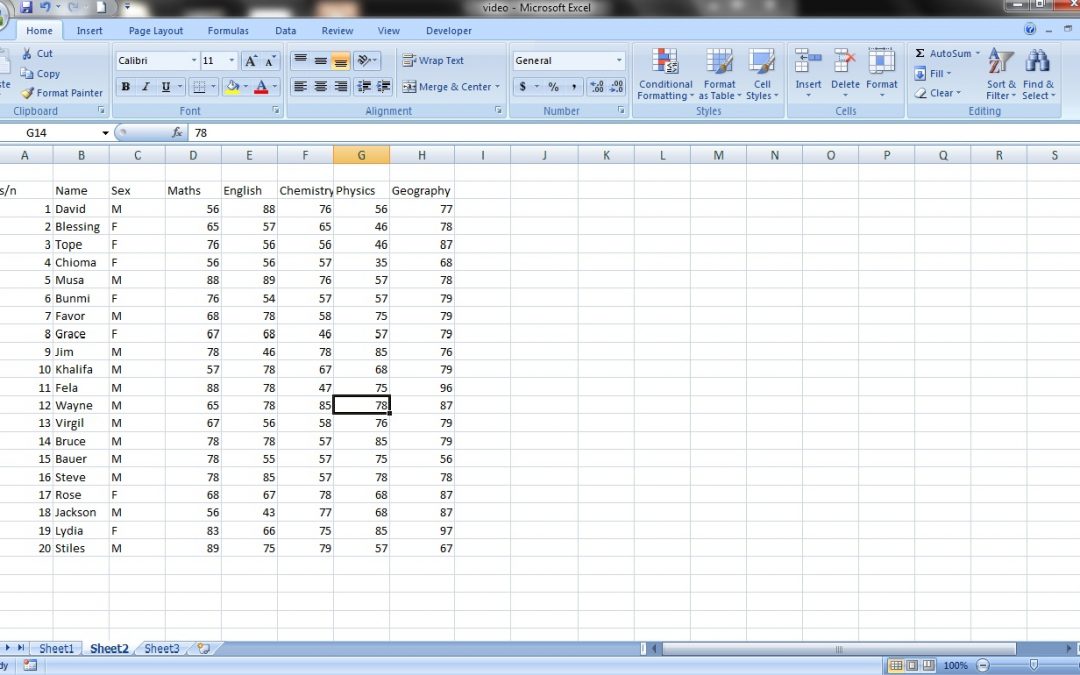
Greetings and welcome to another tutorial from Megatek ICT Academy. Today we are going to be talking on how to format Alphabet in an Excel document. Formatting Formatting is a way of changing a normal text to a special text that suits you, for example you get a car...

by dayo ade | Jan 14, 2021 | Microsoft Word Tutorials and Articles
Welcome to another tutorial from Megatek ICT Academy, today we are going to be talking about conditional formatting for numbers, in another tutorial we talked about conditional formatting for text. In this tutorial we are going to be learning how to...
by dayo ade | Jan 14, 2021 | Microsoft Word Tutorials and Articles
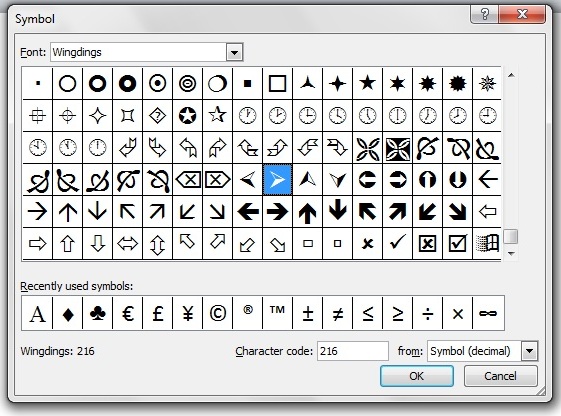
Welcome to another tutorial from Megatek ICT Academy. Today we are going to learn how to create our own lists using symbols. In case you missed how to use list you can refer to it here. Follow the steps below: Under the Paragraph click on the Bullet and click on the...
by dayo ade | Jan 14, 2021 | Microsoft Word Tutorials and Articles
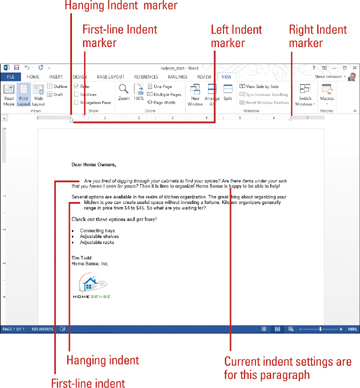
Welcome to another Megatek ICT Academy Tutorial, today we are going to take you on how to use Indent. What is an Indent? An indent is a way of how we can define where our paragraph starts from; by default MS Word picks a default indent which is 0. Fig 1 In the above...

by dayo ade | Jan 14, 2021 | Microsoft Word Tutorials and Articles
Welcome to another Megatek ICT Academy Tutorial, Today we are going to be talking about list Bullet List and Numbered List. What are Lists? Lists are used to enumerate items. Types of List List are divided into 2 in MS word Bullet List and Numbered List Bullet...
by dayo ade | Jan 14, 2021 | Microsoft Word Tutorials and Articles
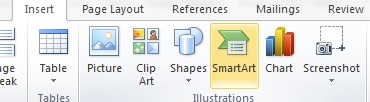
Commands in the Illustrations group enable you to add several types of graphics to enhance your Word Documents, including pictures from your computer, clip art from Office.com, shapes, SmartArt, charts, and screenshots. Types of Illustrations In MS Word we have the...

by dayo ade | Jan 14, 2021 | Microsoft Word Tutorials and Articles
A style is a predefined combination of font style, color, and size that can be applied to any text in your document. Styles can help your documents achieve a more professional look and feel. So you would use the “Title” style for your title, “Body...
